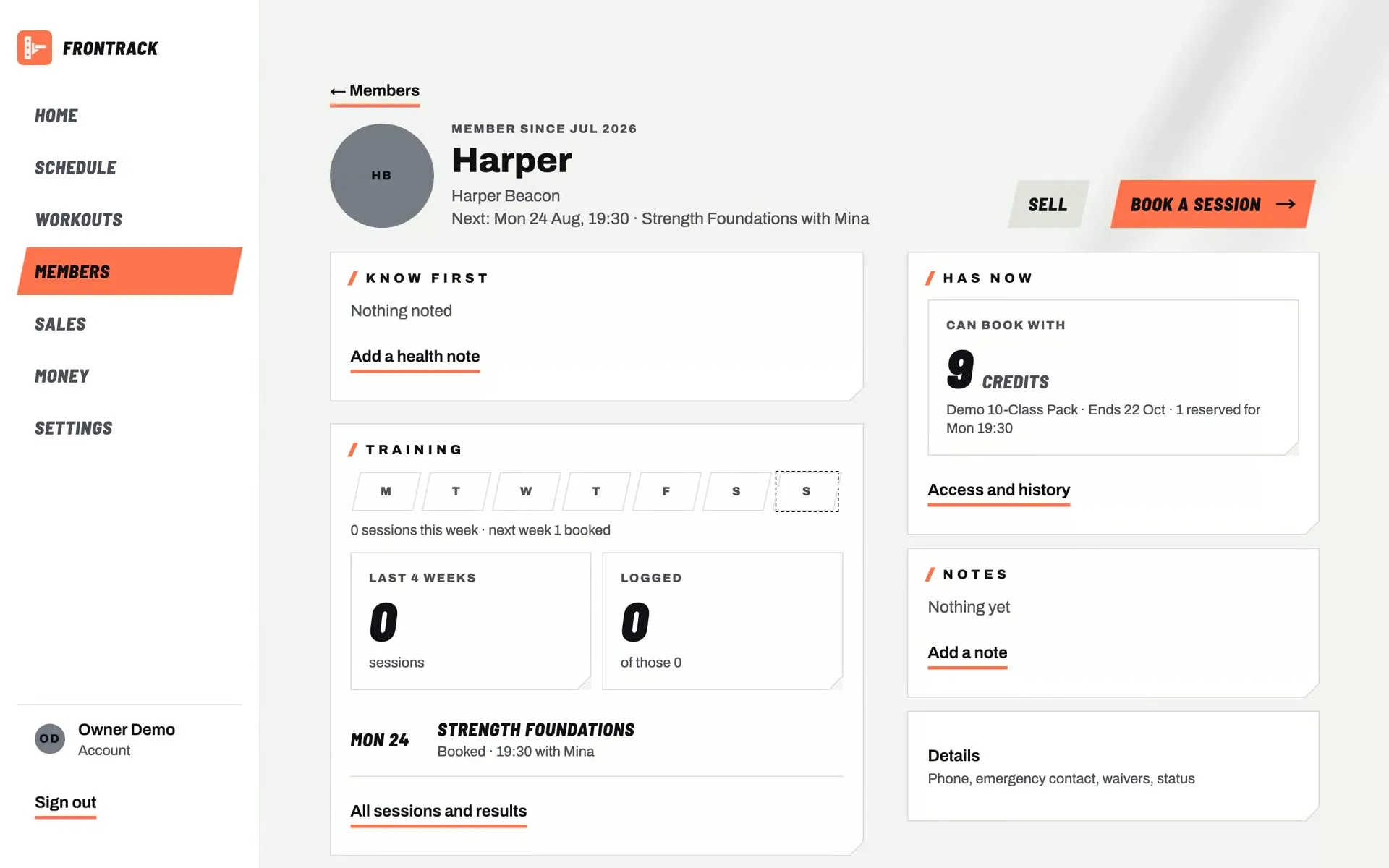
Owner 0:32
Book a member into a session.
Check their credits and next session, then book Monday's session.
Watch walkthrough FrontRack
Real tasks. Real product.
From running the gym to coaching the class and seeing progress. Find your role, then see how it works.
Short walkthroughs. Actual product, fictional demo data.
Find a guide for your roleNew to FrontRack? Start here
Owner 0:32
Check their credits and next session, then book Monday's session.
Watch walkthrough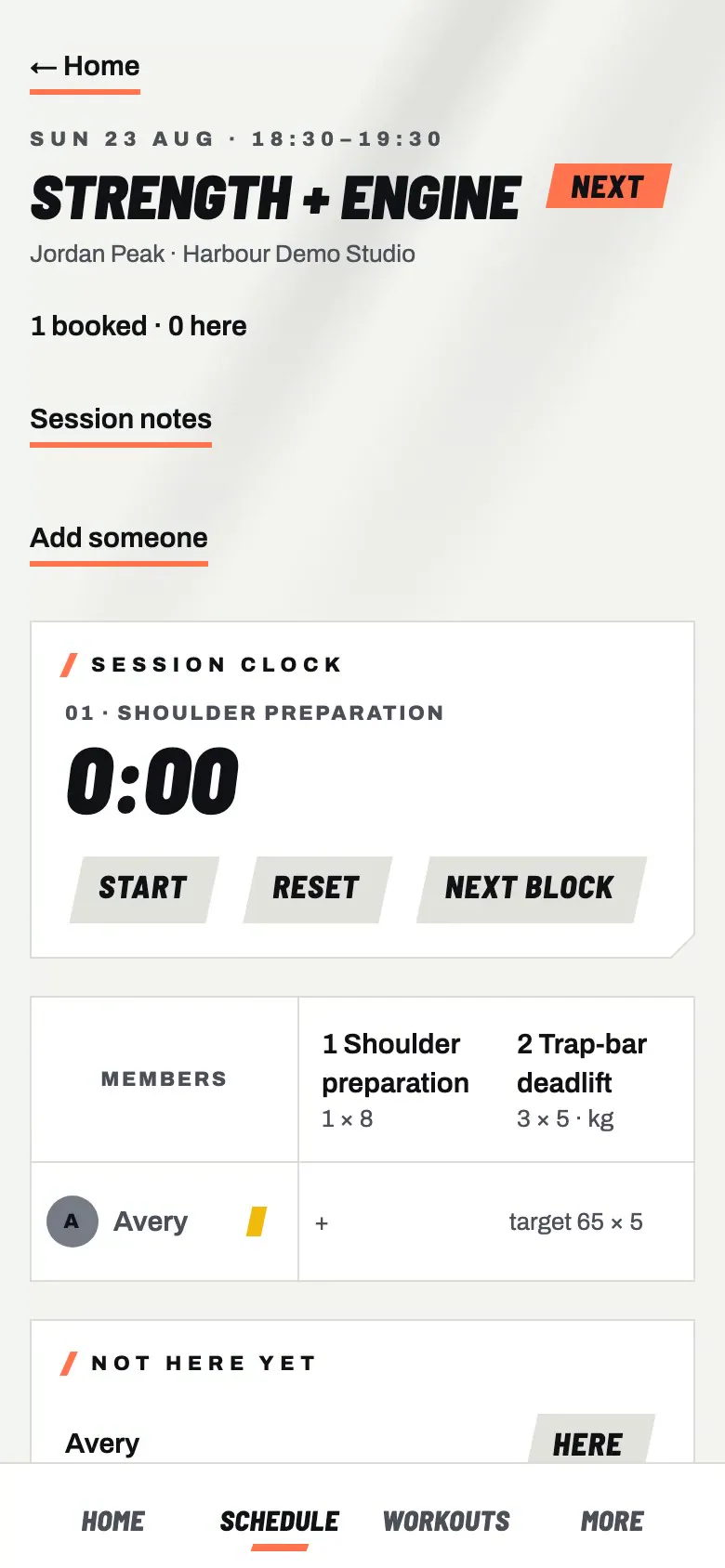
Coach 0:20
See your day, who is booked and the workout blocks.
Watch walkthrough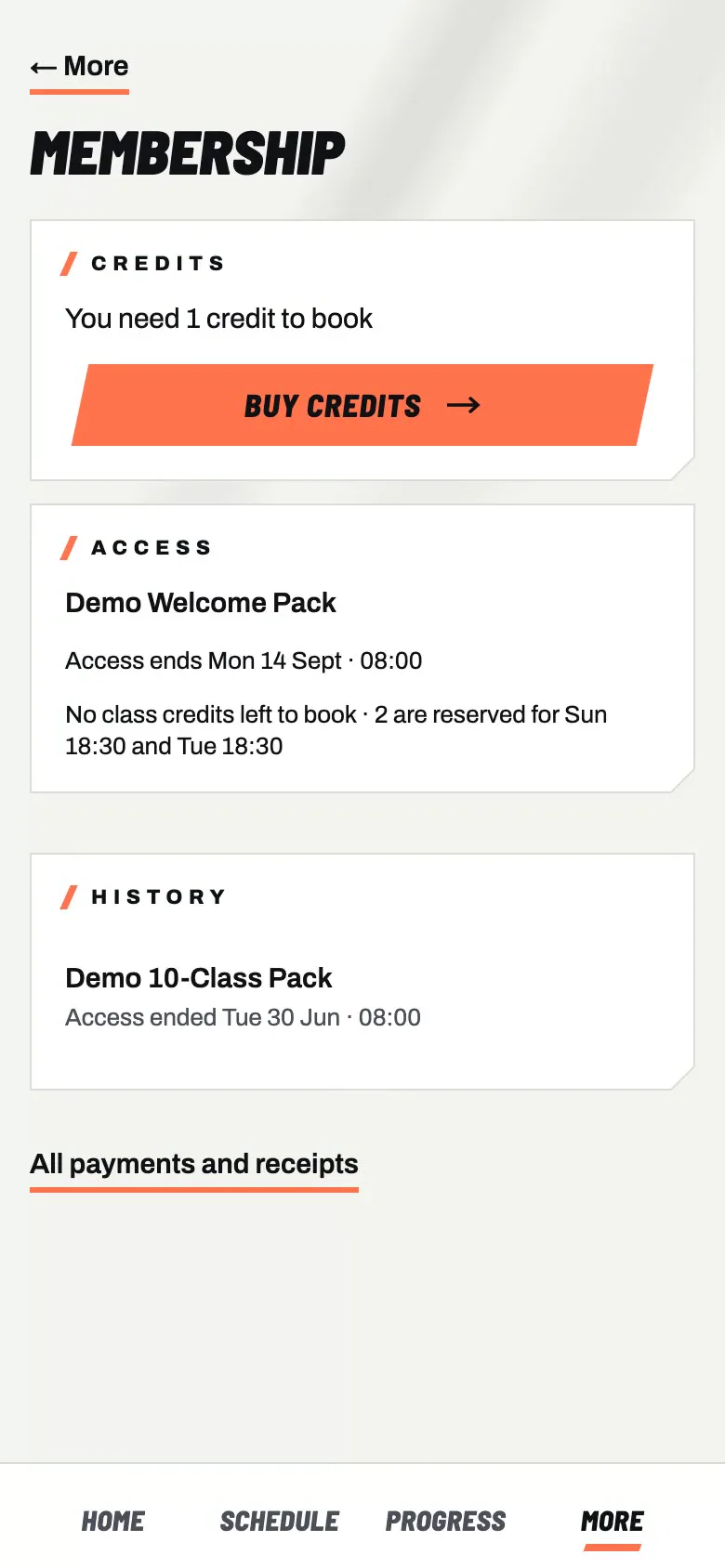
Member 0:26
Open Progress, view your goal and check Membership.
Watch walkthroughEach walkthrough is a standalone example. Your gym’s settings may differ.
Browse all 34 guides, or choose your role and a topic.
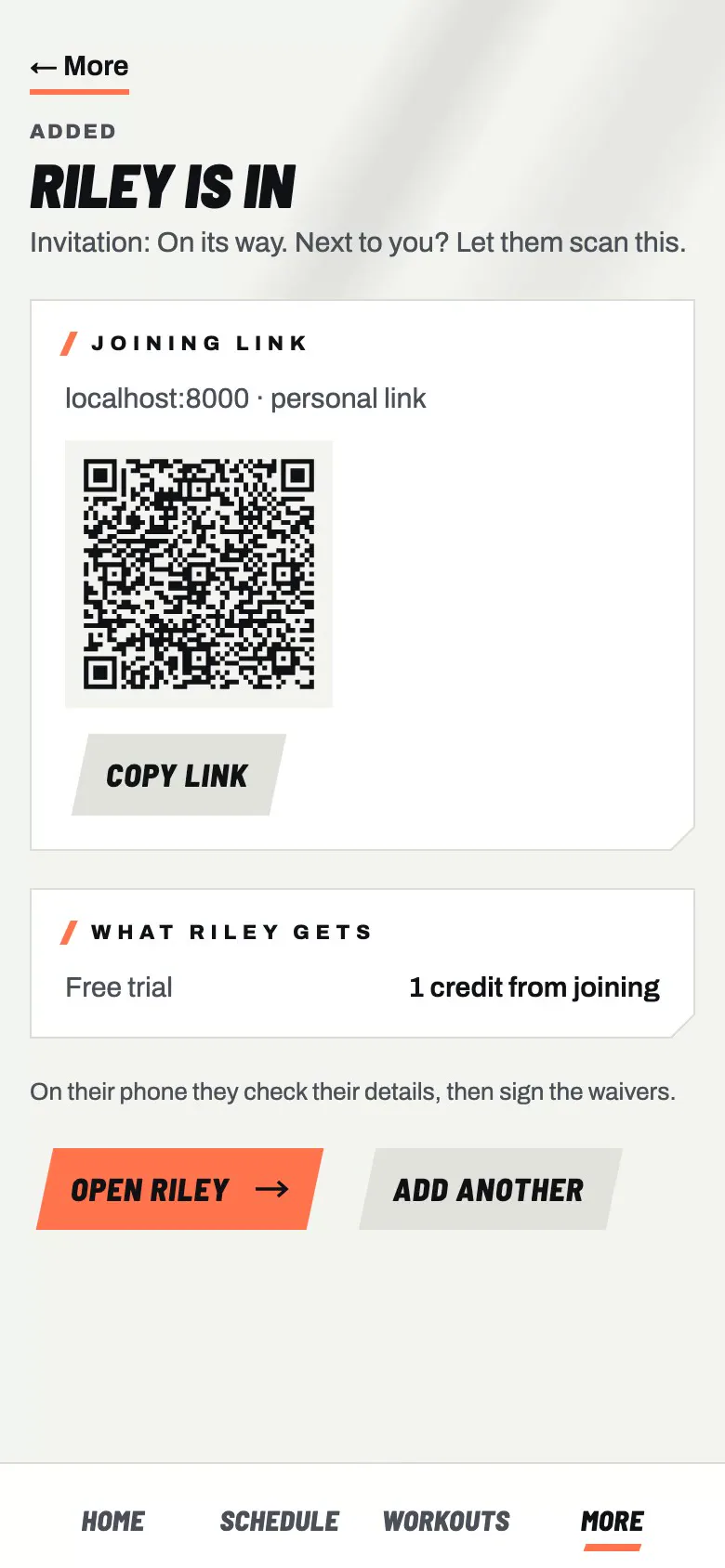
Owner + Coach 0:26
Add a new member, give them a free trial credit and send their invitation.
Watch walkthrough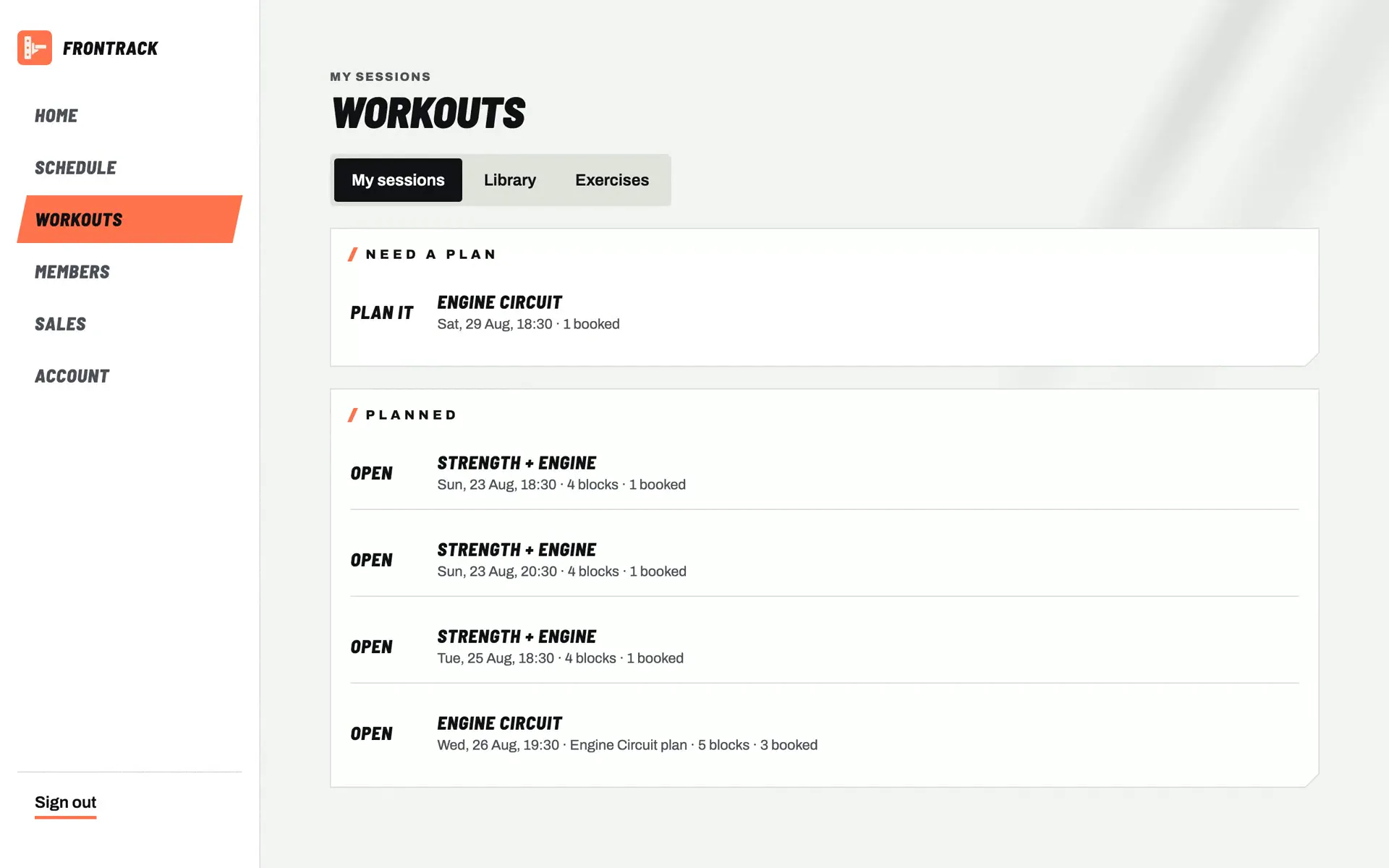
Owner + Coach 0:41
Start from last time's plan, change a load and add a block by typing it.
Watch walkthrough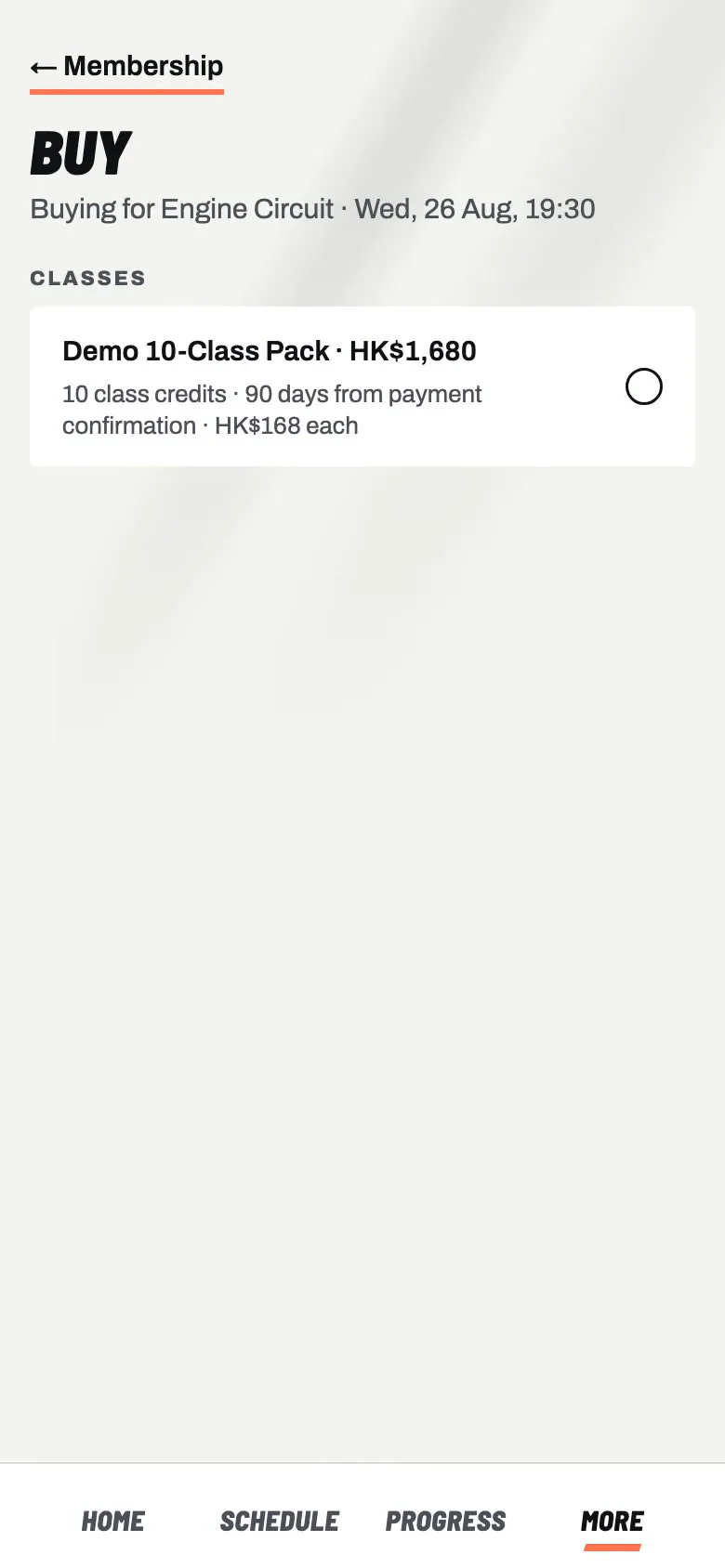
Member 0:24
When a session needs a credit you don't have, go straight from the session to your gym's packs.
Watch walkthrough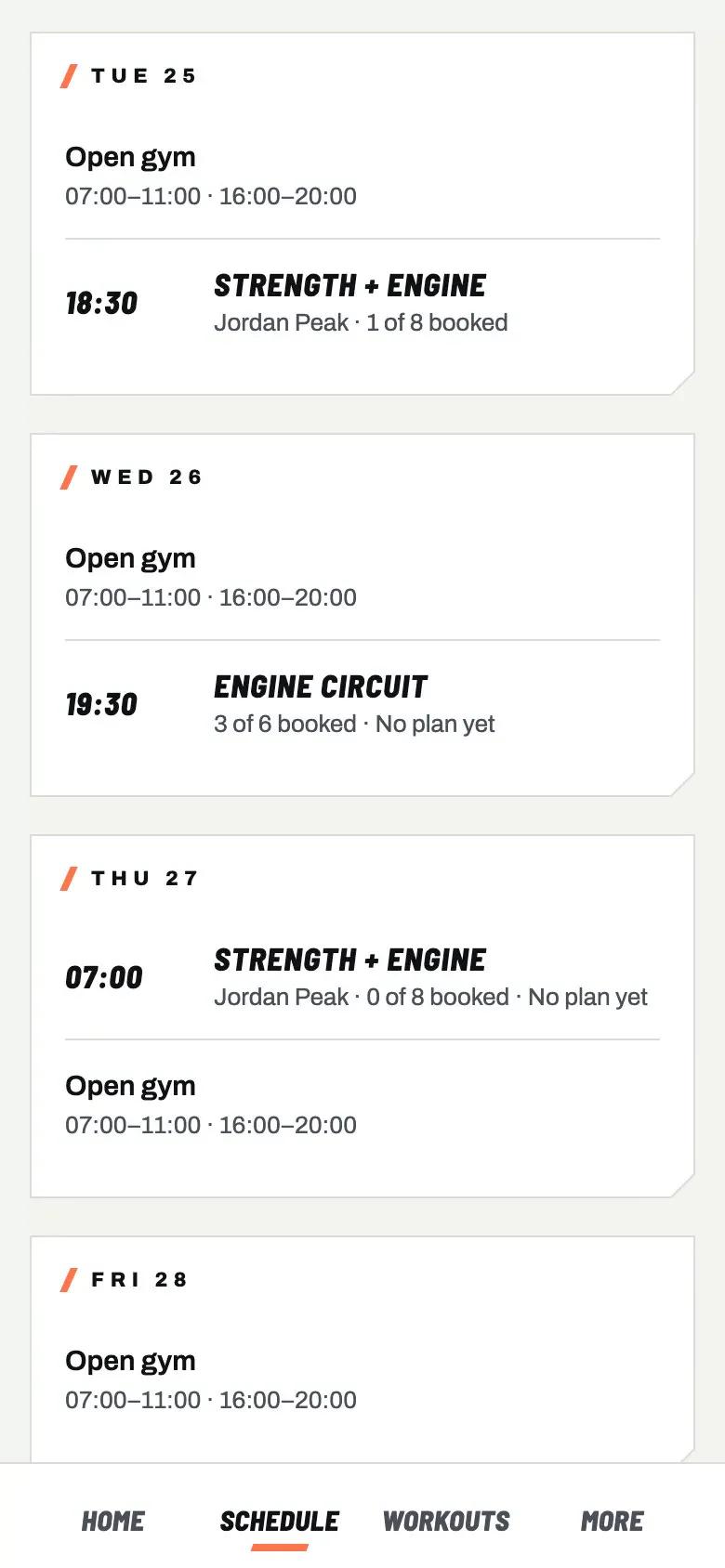
Coach + Owner 0:41
Add a session that repeats every week and find it on Schedule.
Watch walkthrough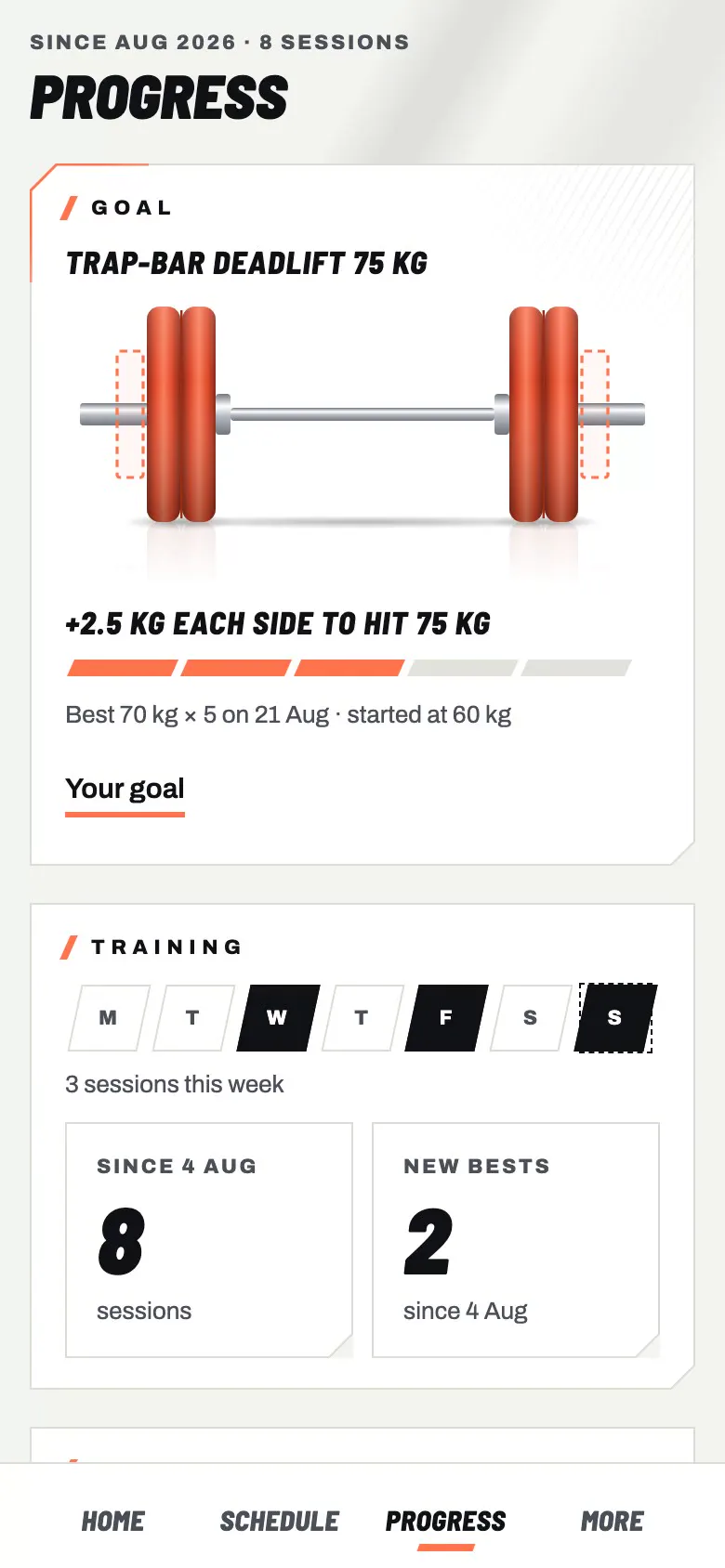
Member 0:39
Say you're here, log each set and find the result under Progress.
Watch walkthrough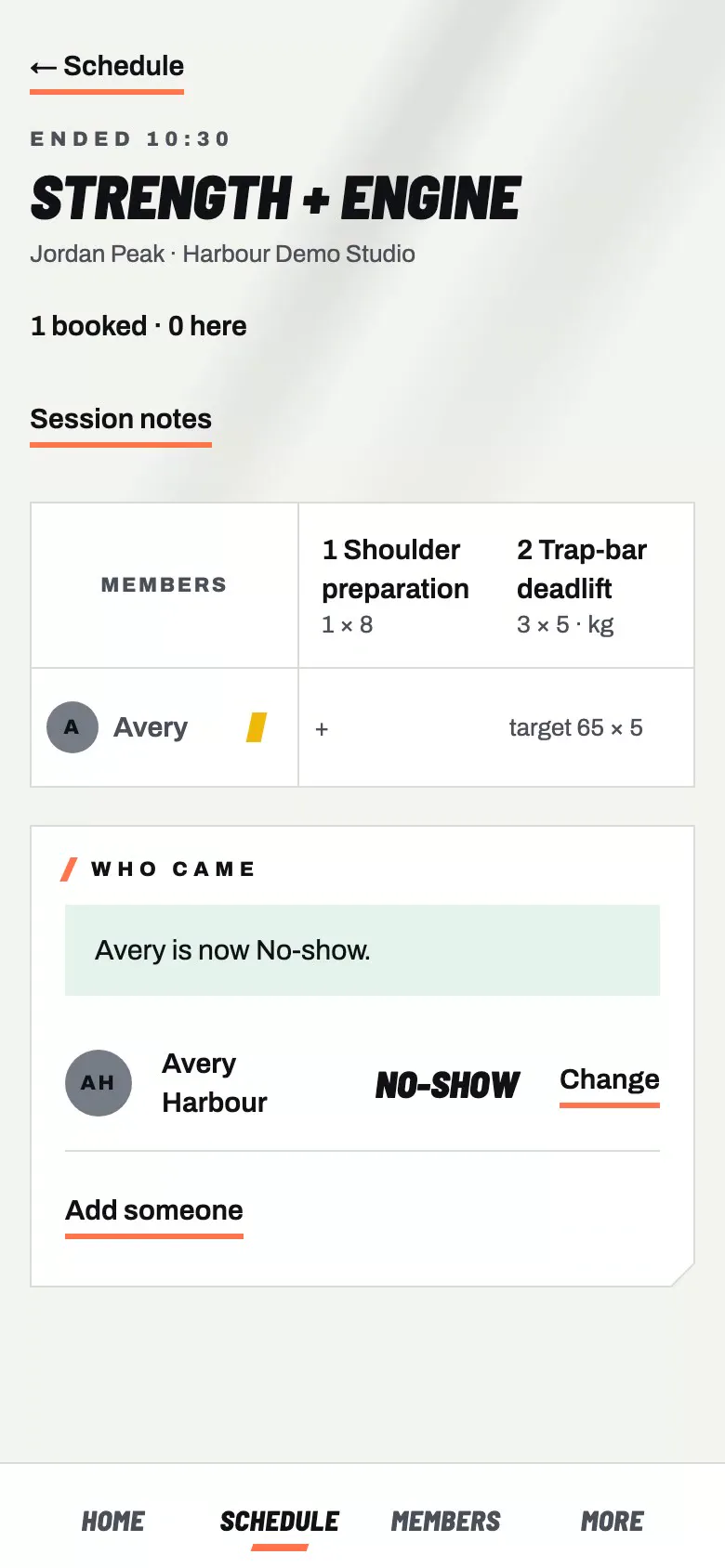
Owner 0:30
Change a member's attendance after the session has ended. Each choice says what happens to the credit.
Watch walkthrough
Owner 0:30
Sell a monthly membership to a member and record the cash payment.
Watch walkthrough
Owner 0:32
Check a member's credits and book them into a session.
Watch walkthrough
Coach 0:20
See your day on Home, then open tonight's session to see who is booked and the workout.
Watch walkthrough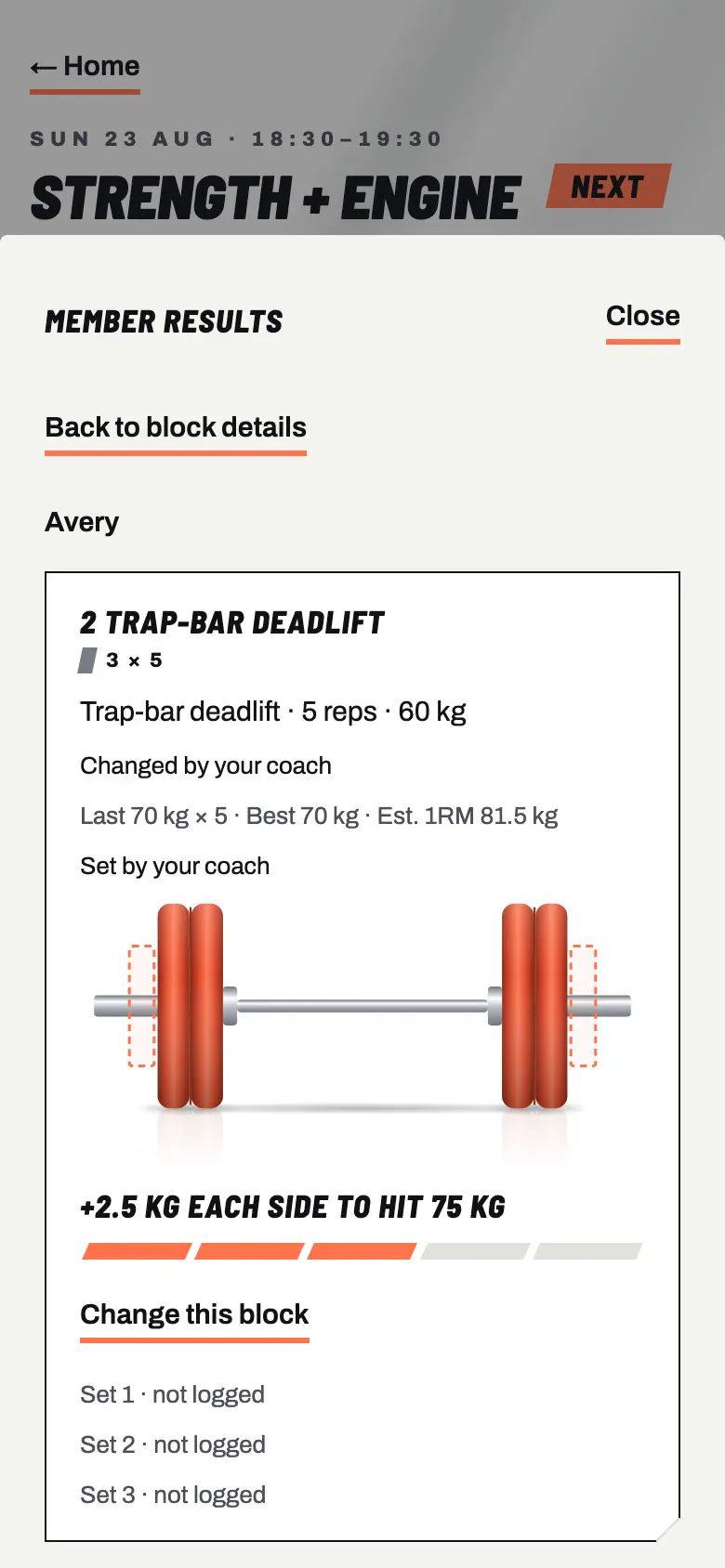
Coach 0:33
Give one member a lighter load on a block without changing the plan for everyone else.
Watch walkthrough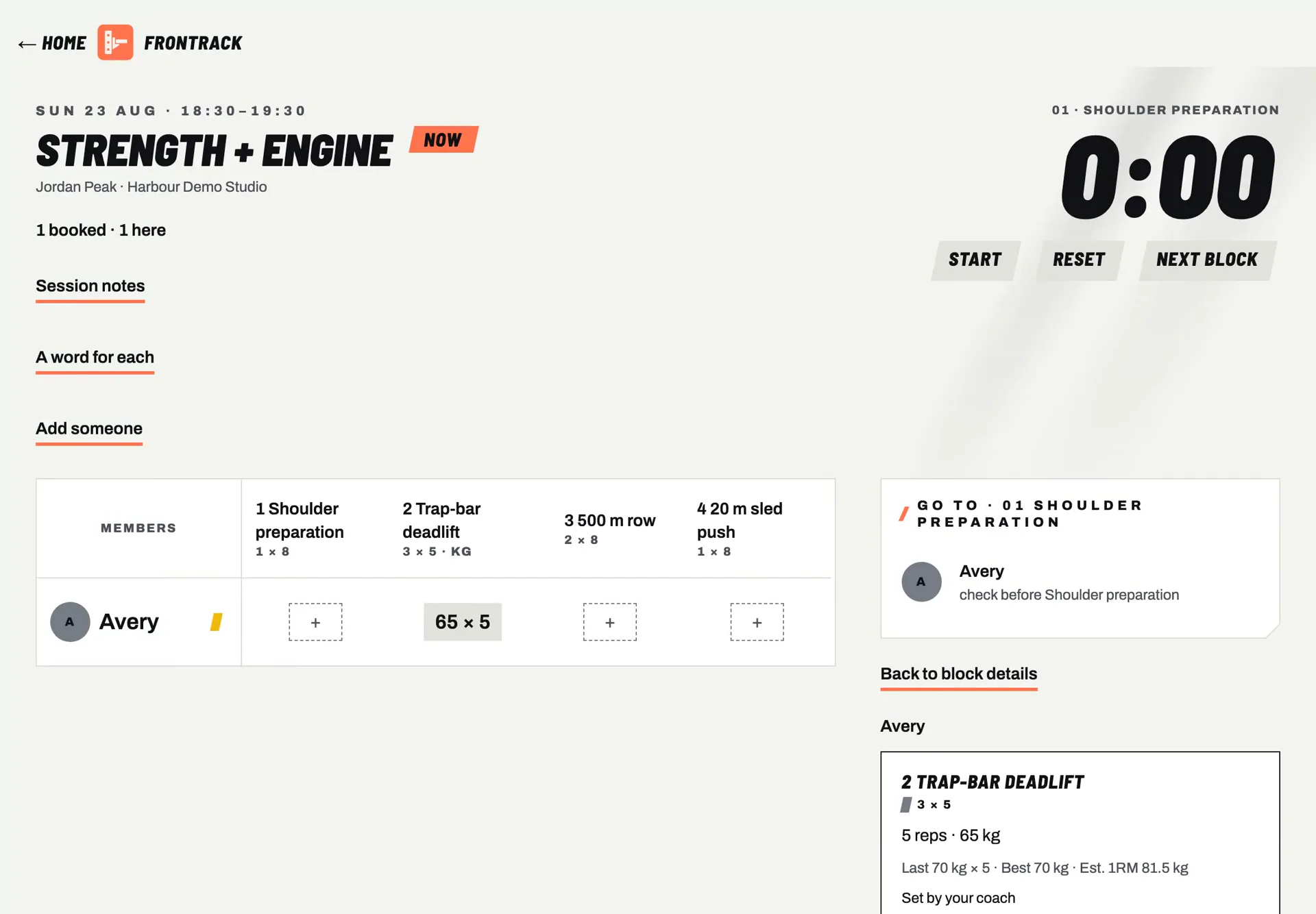
Coach 0:28
Open the board, mark who is here and log a set for a member.
Watch walkthrough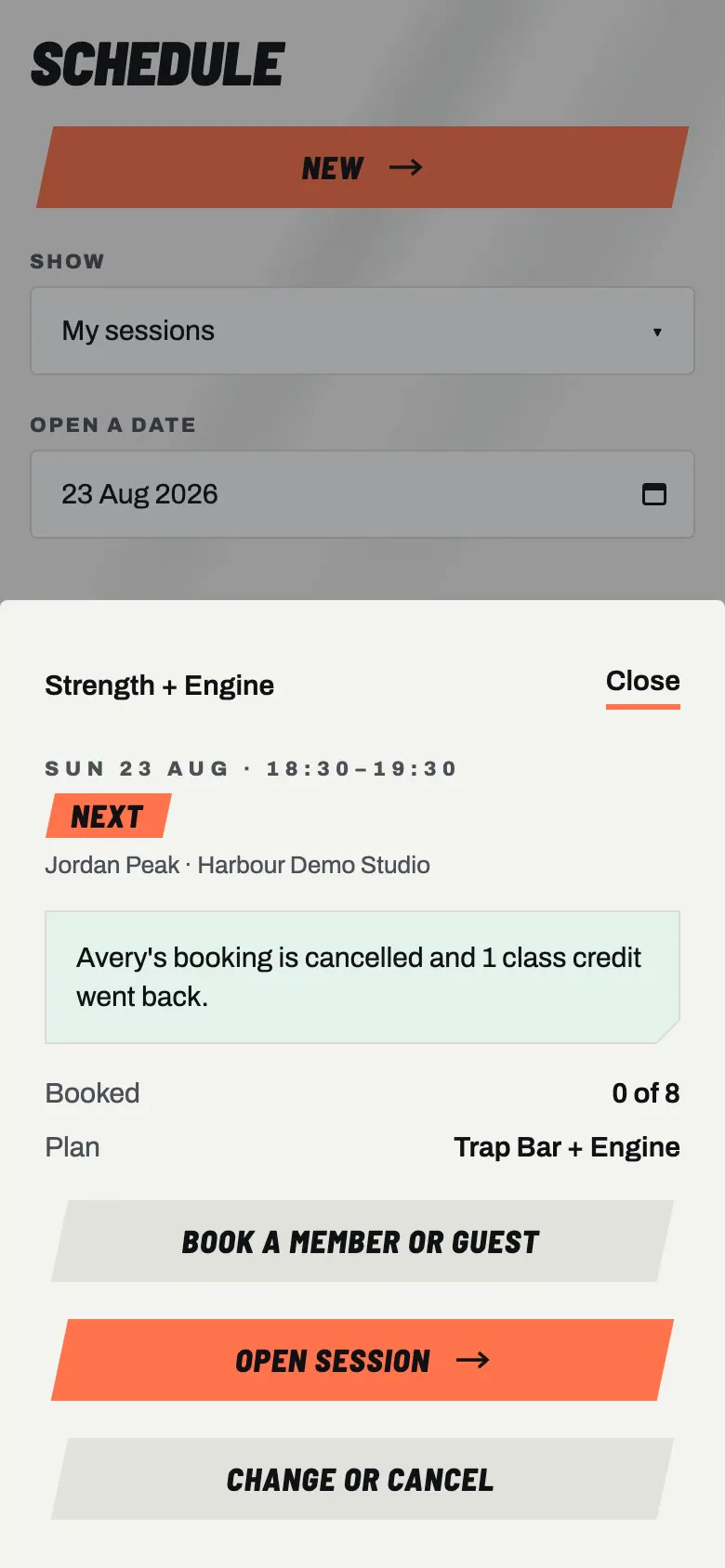
Coach 0:23
Take a member out of a session and choose whether they keep the credit.
Watch walkthrough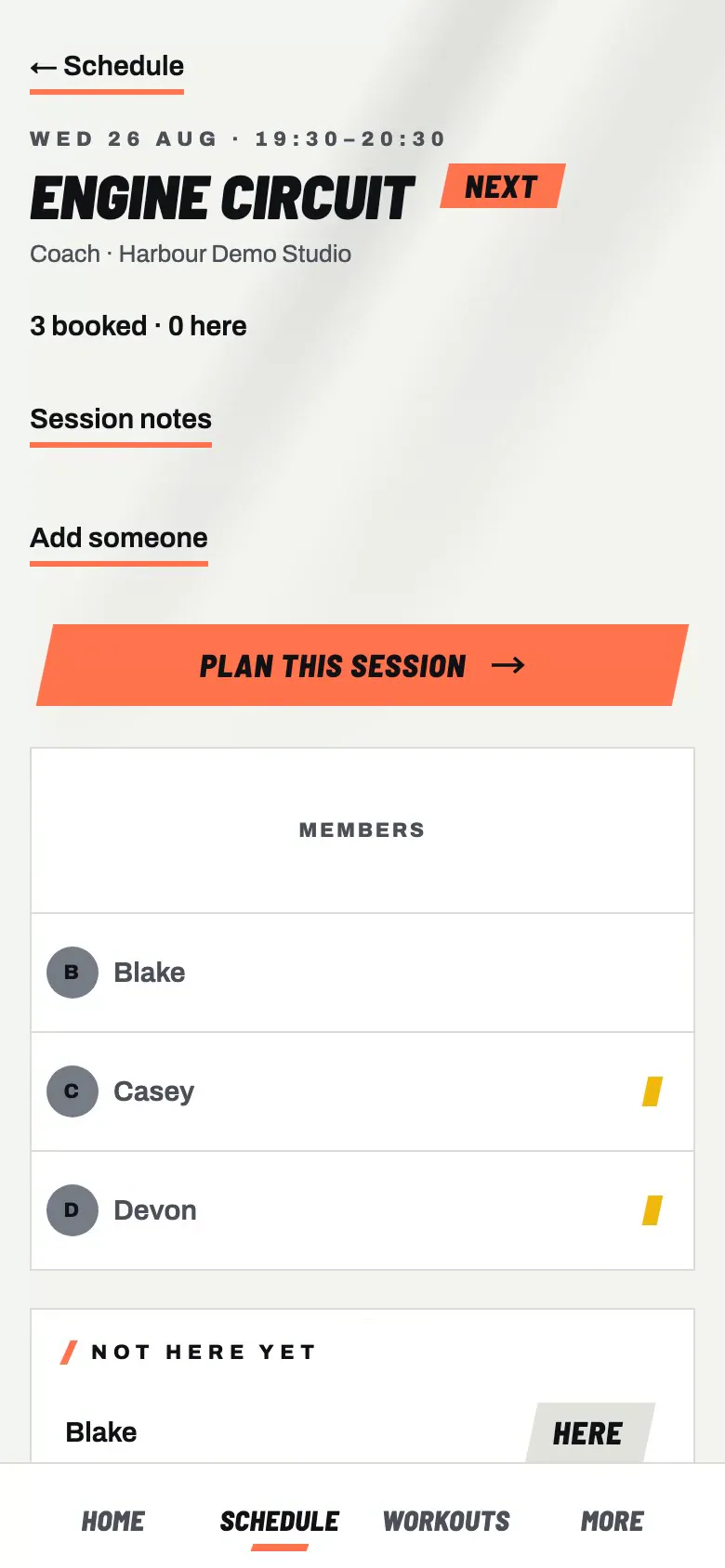
Coach 0:39
Write down what coaches should know about a member and see it flagged on their next session.
Watch walkthrough
Member 0:26
See your bests, your goal and when your membership ends.
Watch walkthrough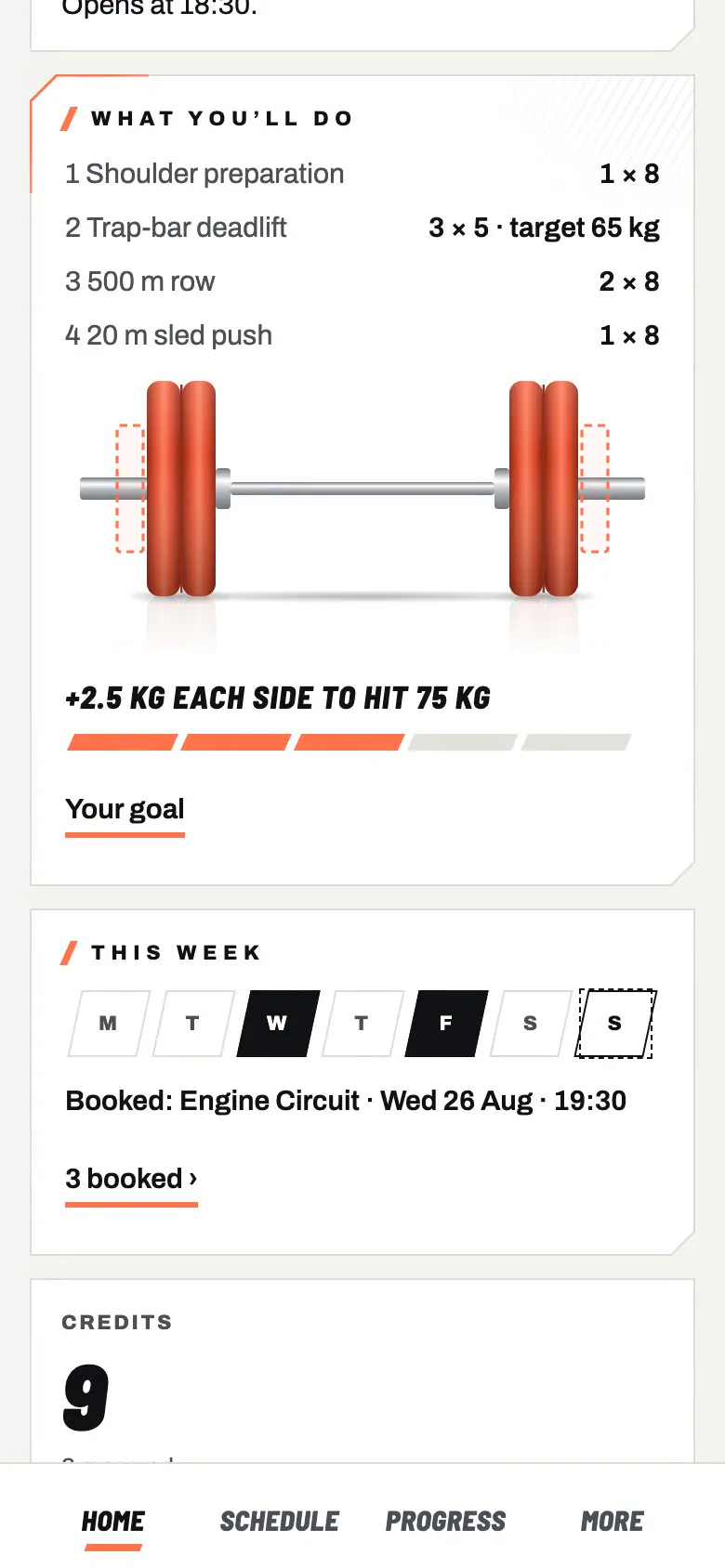
Member 0:31
Pick a session on Schedule, book it with a credit and find it on Home.
Watch walkthrough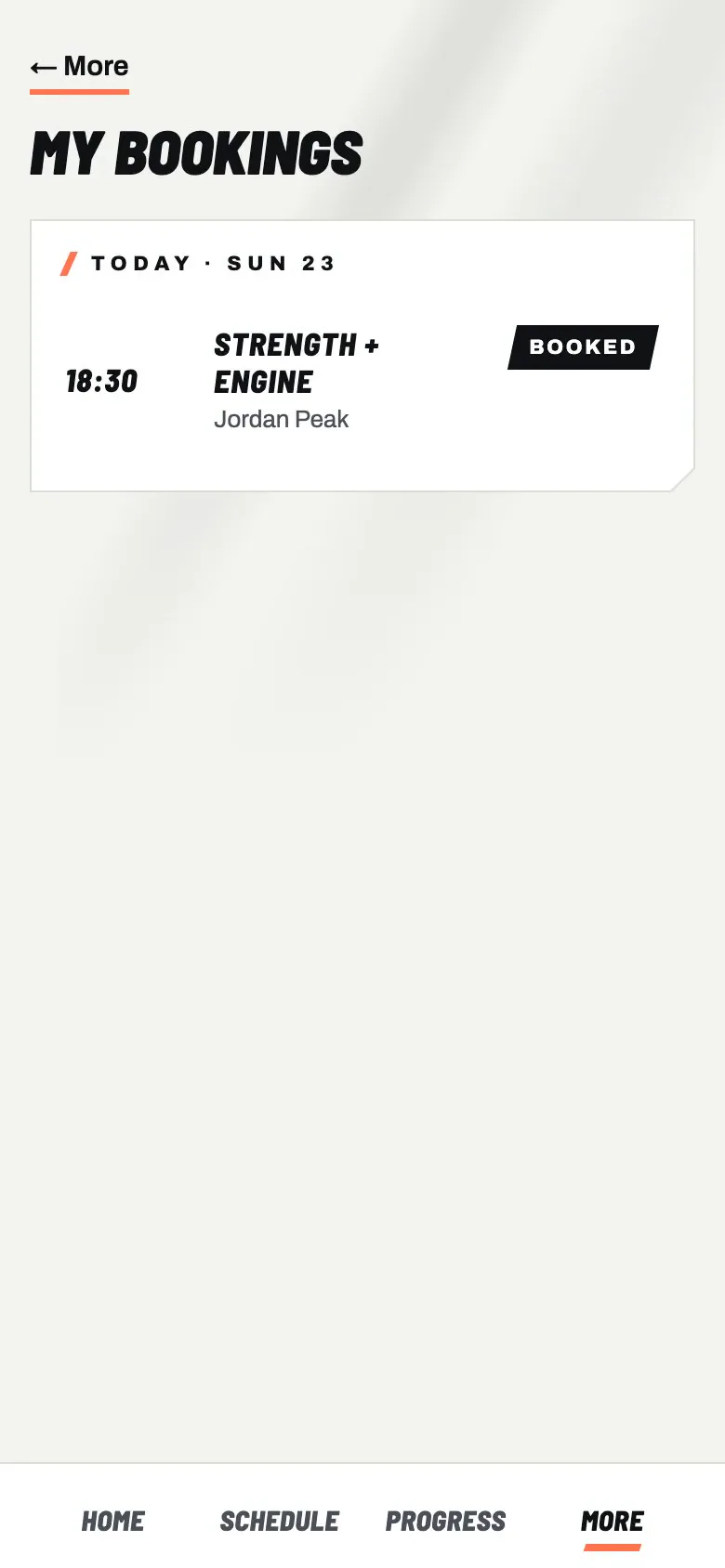
Member 0:26
Cancel a booking in time and get your credit back.
Watch walkthrough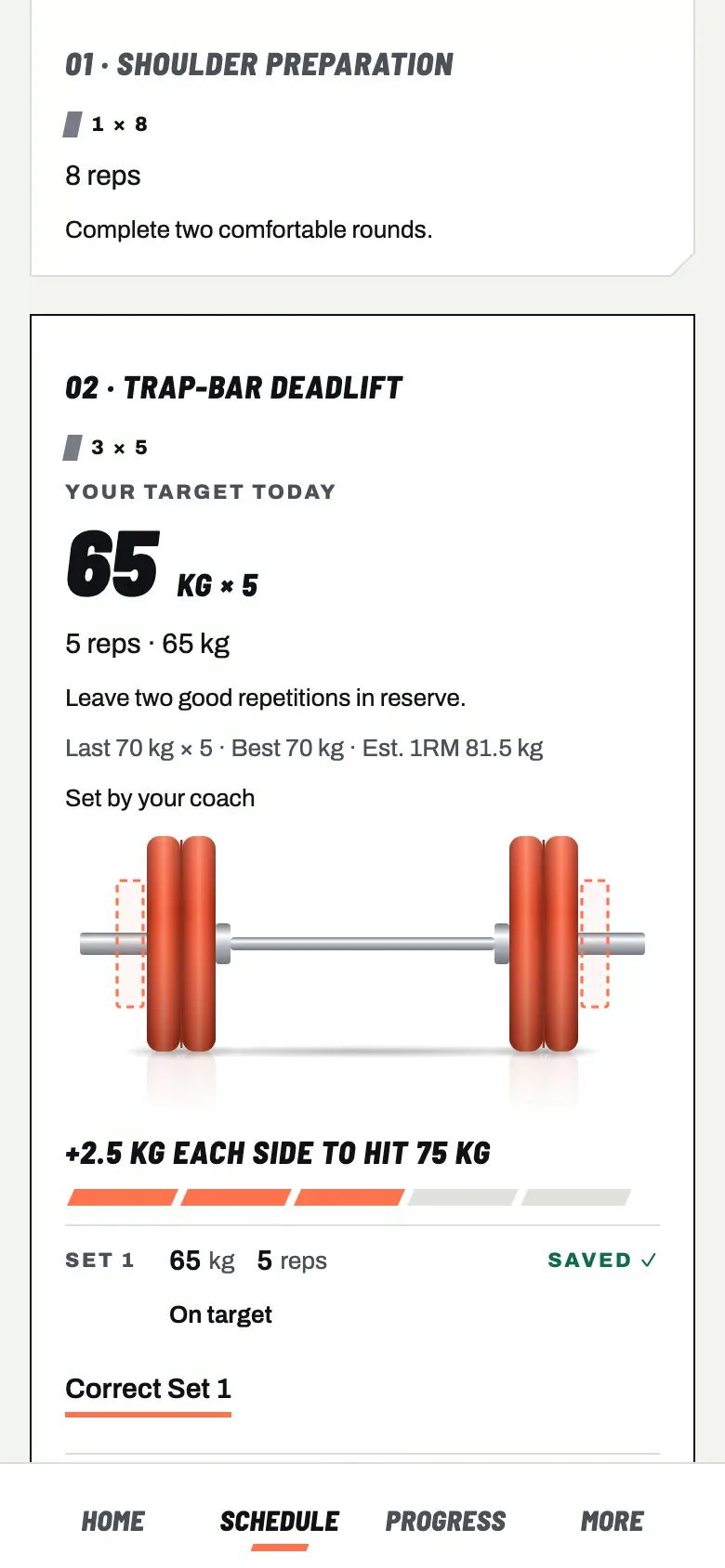
Member + Coach 0:30
Fix a set logged with the wrong weight or reps. The earlier value stays in the history.
Watch walkthrough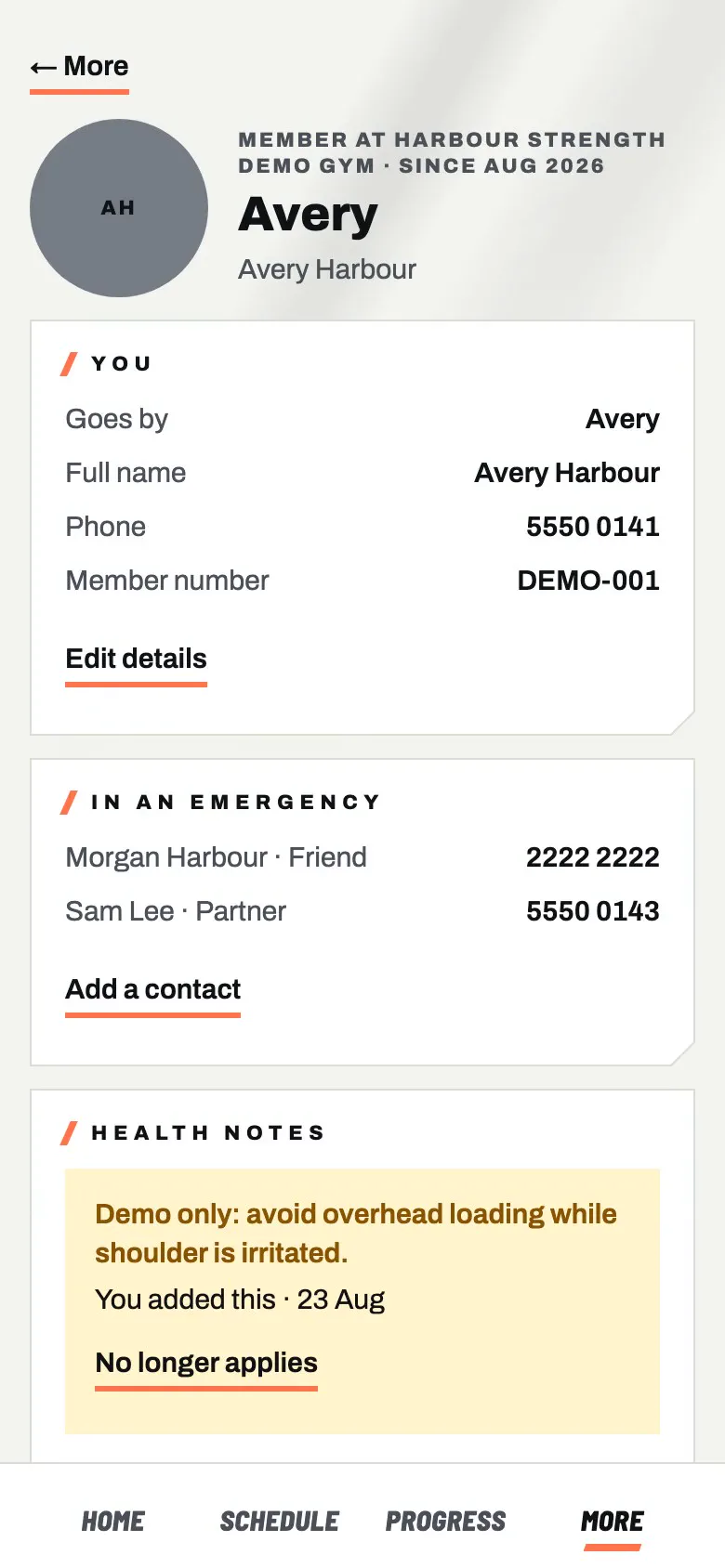
Member 0:32
Change your phone number and add an emergency contact from your account.
Watch walkthrough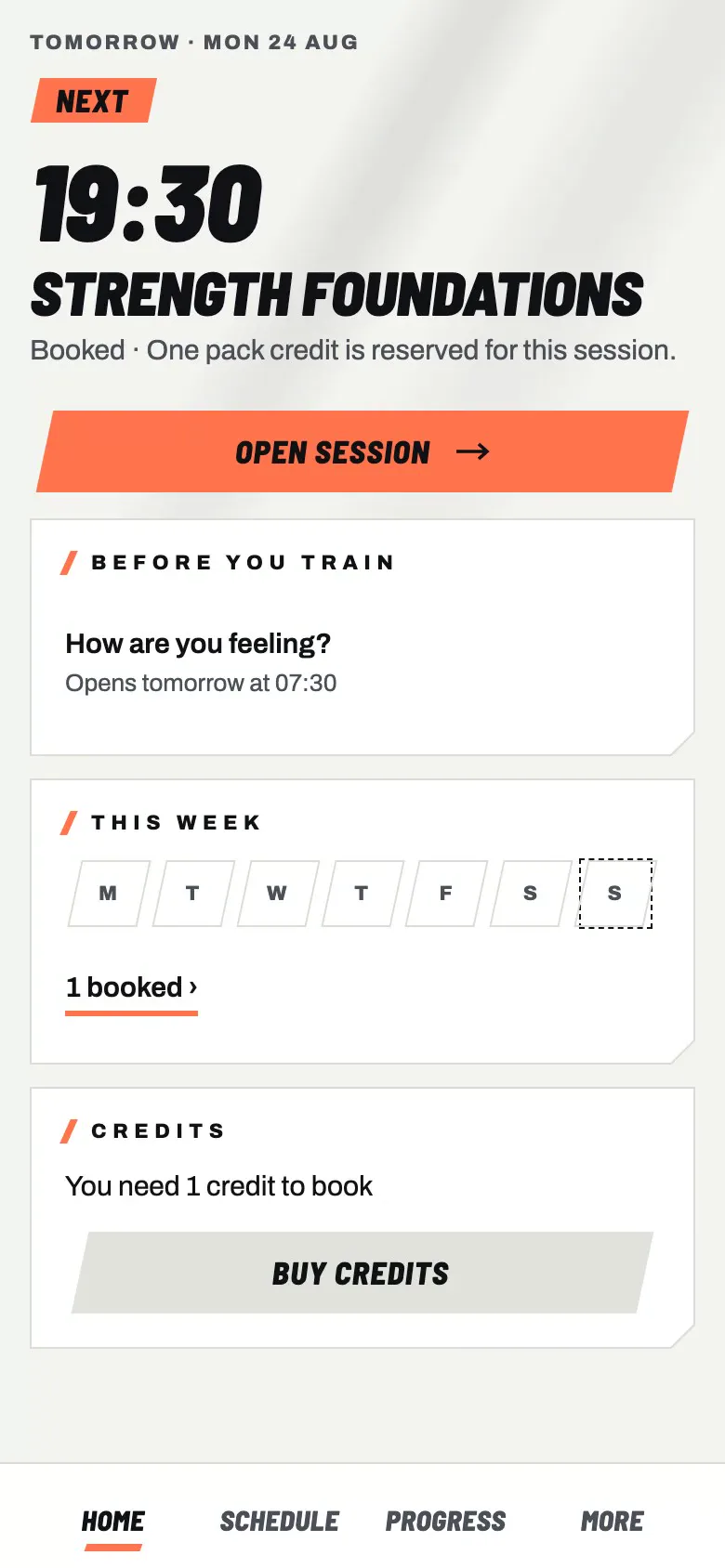
Member 0:52
Accept your gym's invitation, set up your account and book your first session.
Watch walkthrough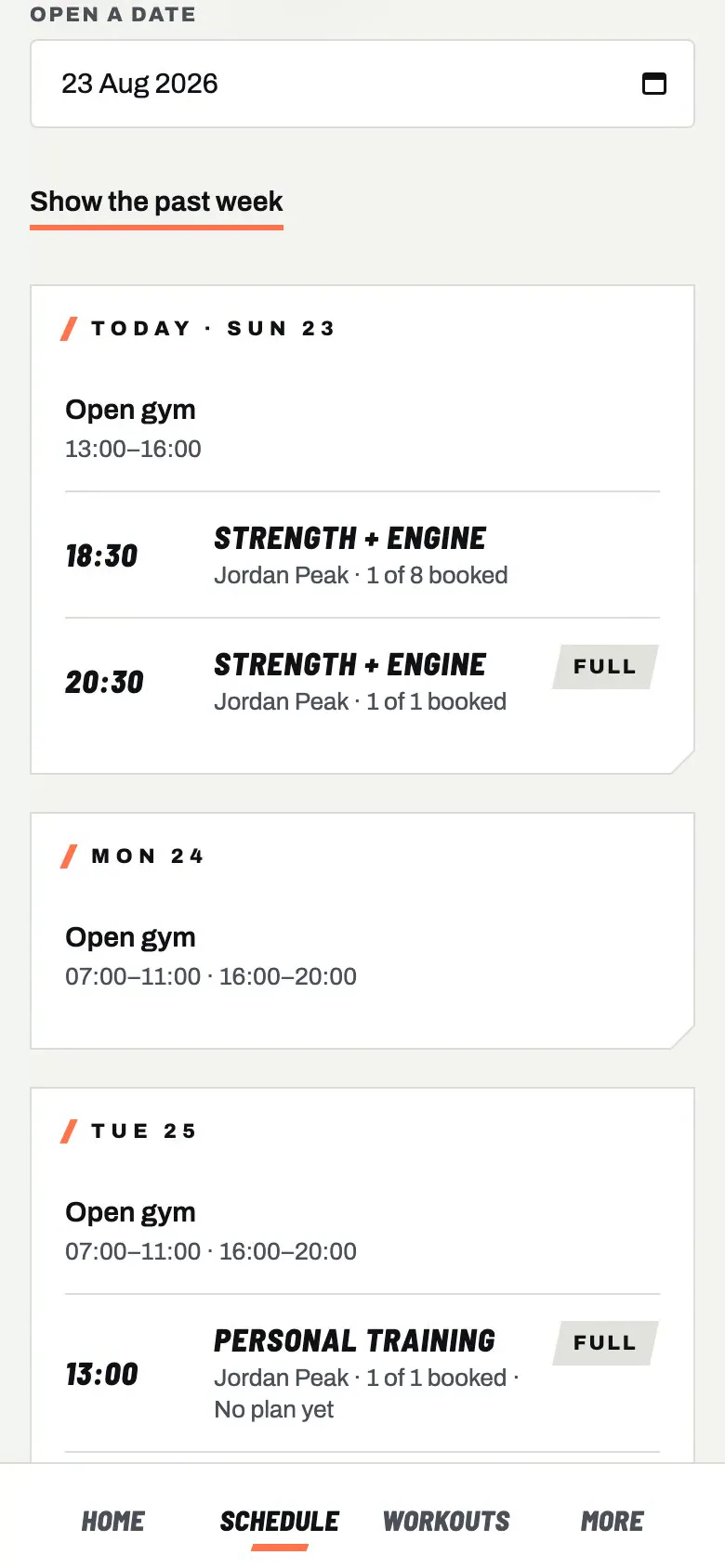
Coach 0:36
Book a one-to-one session with a member from Schedule.
Watch walkthrough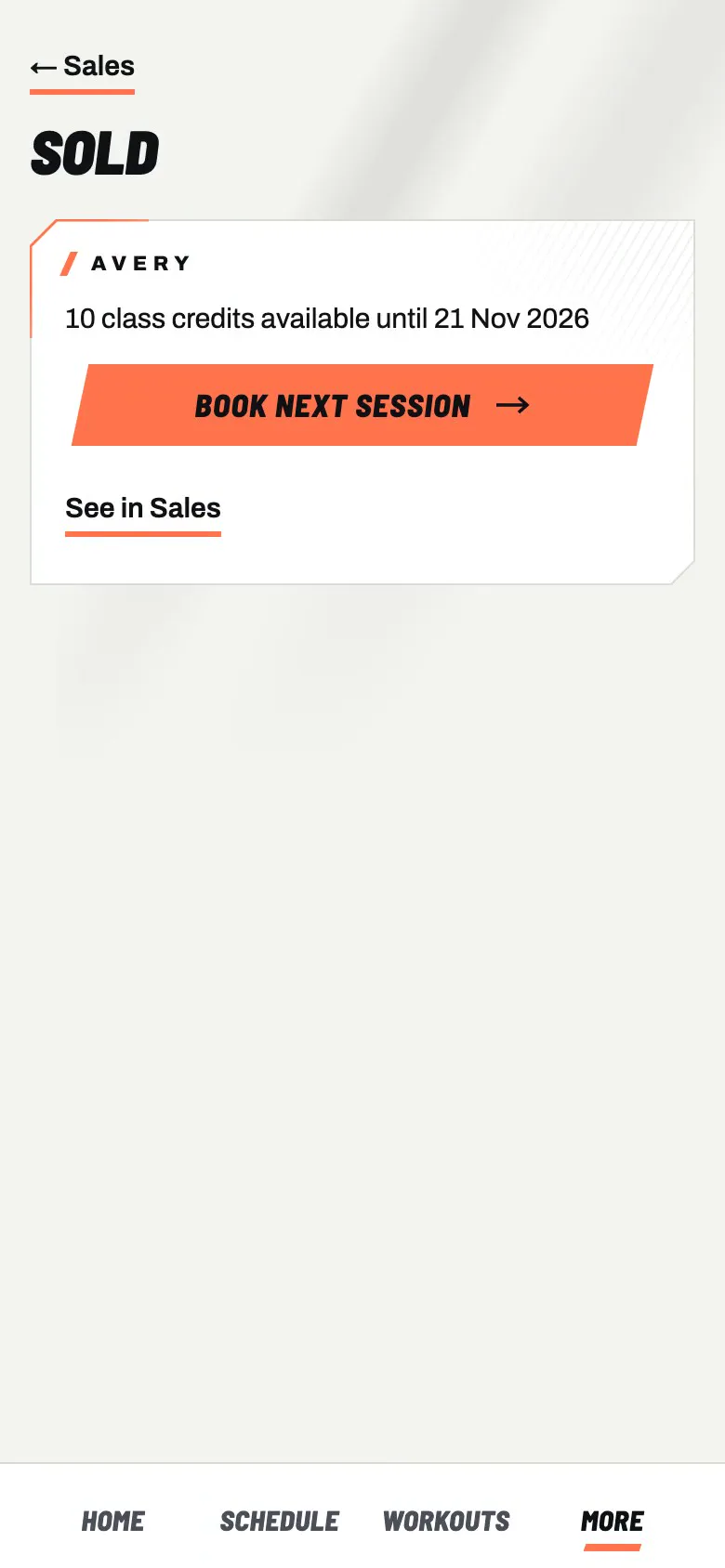
Coach + Owner 0:42
Sell a class pack to a member and record the cash payment.
Watch walkthrough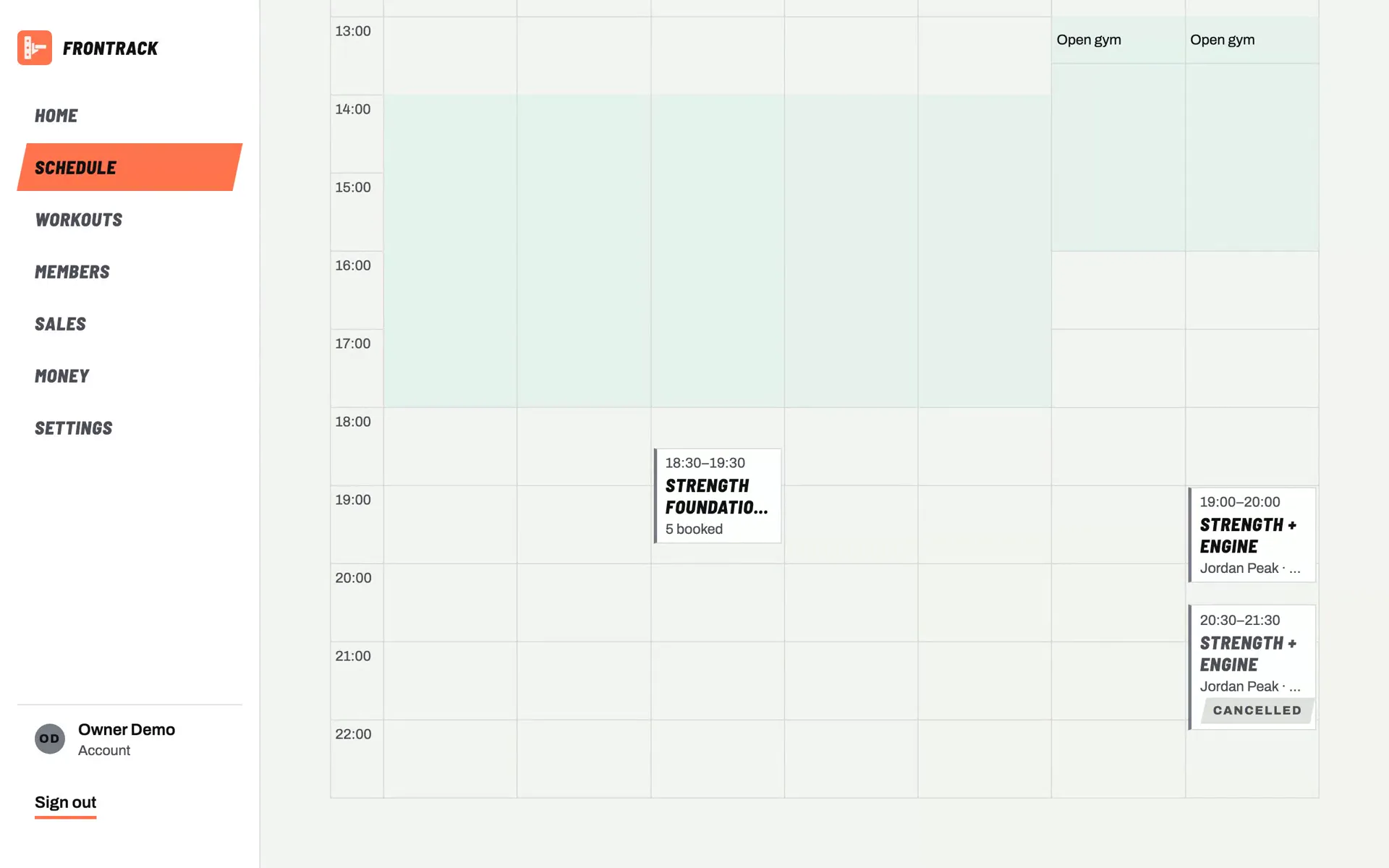
Owner 0:46
Change a session's start time, or cancel it, and see who is affected before you confirm.
Watch walkthrough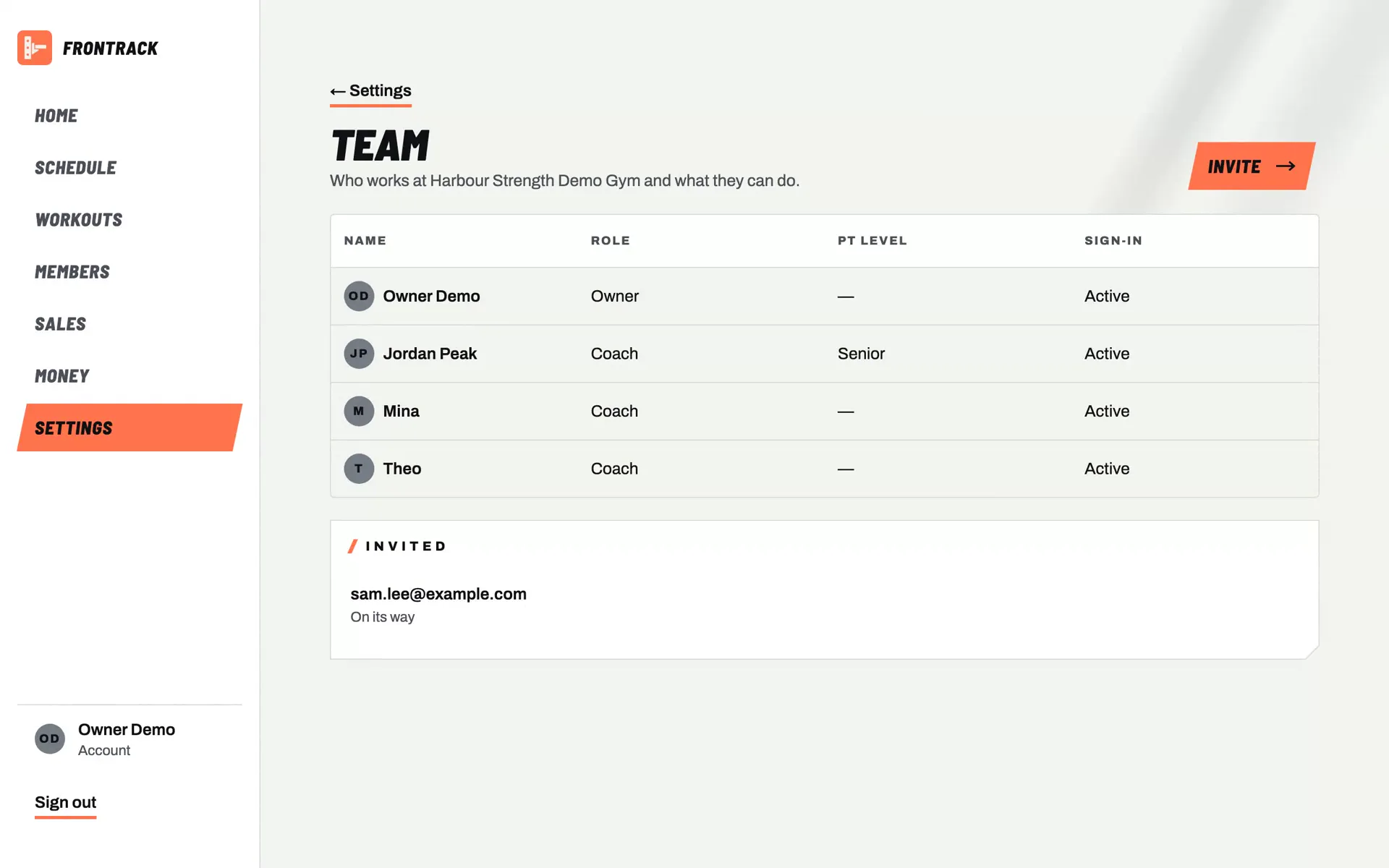
Owner 0:25
Invite a coach by email and see the invitation on the team list.
Watch walkthrough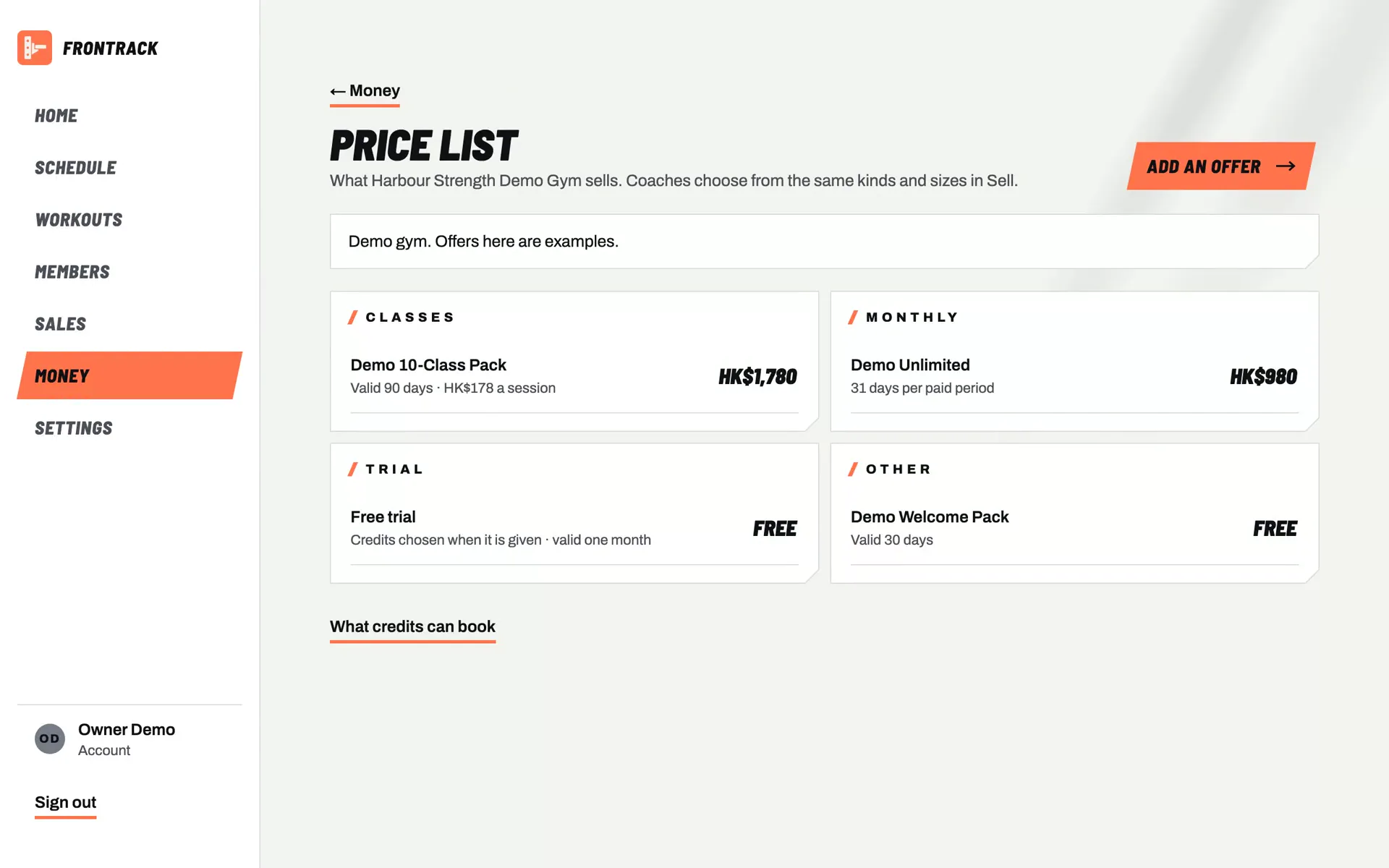
Owner 0:40
Change a pack's price for new sales. Nothing changes for members who already have it.
Watch walkthrough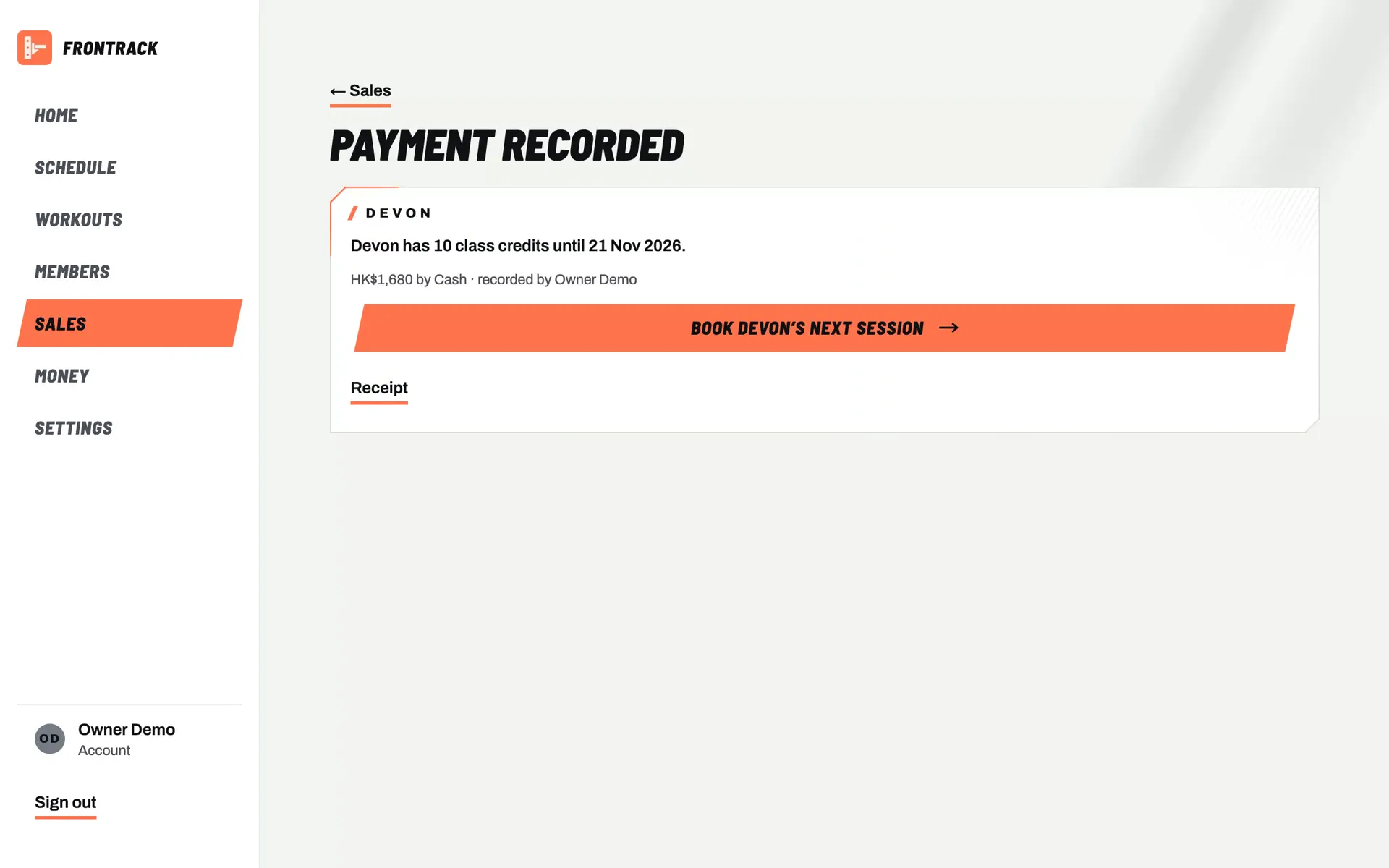
Owner 0:19
When a member pays for a sale that was waiting, record it so their credits are added.
Watch walkthrough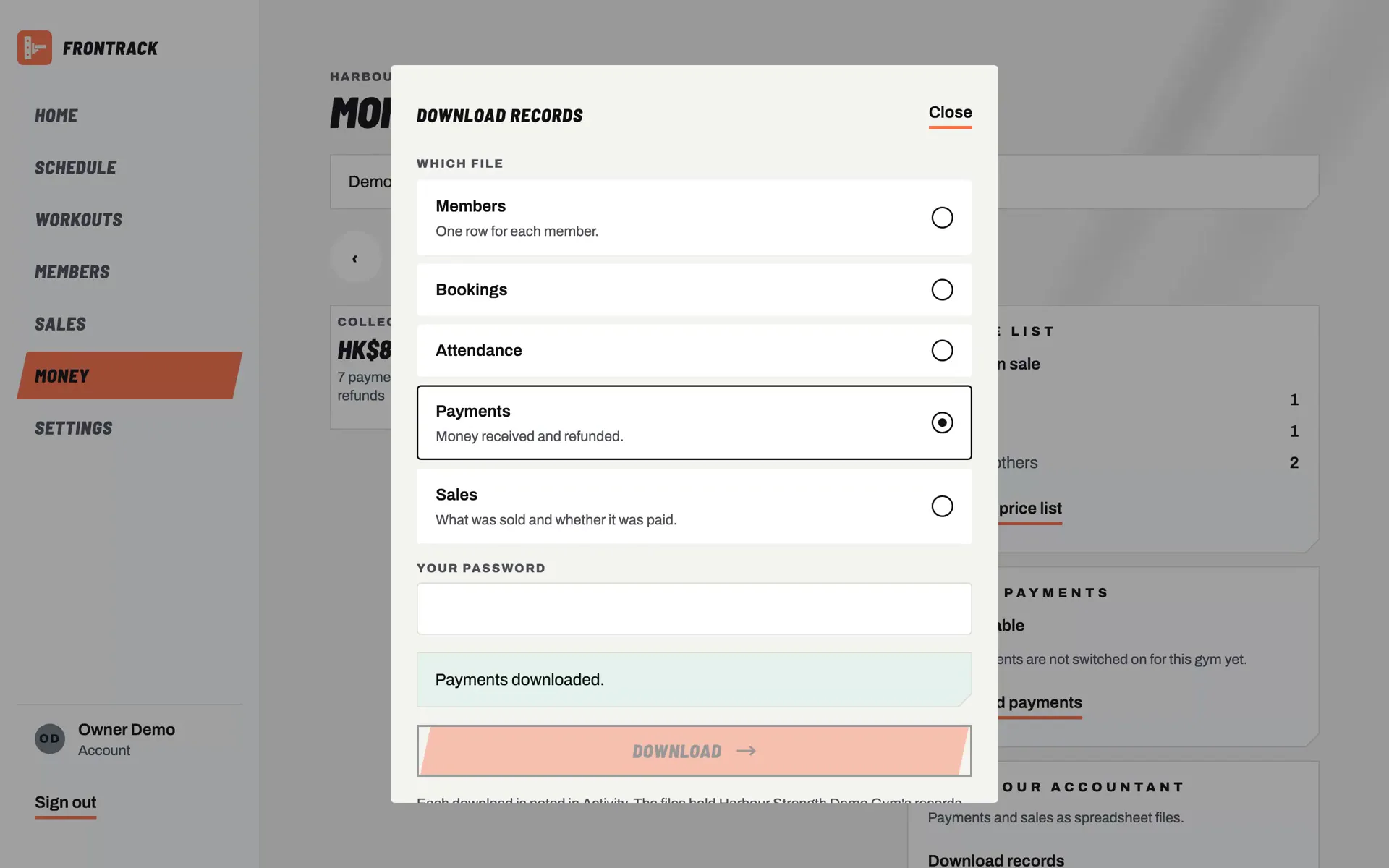
Owner 0:23
Download members, bookings, attendance, payments or sales as a spreadsheet file.
Watch walkthrough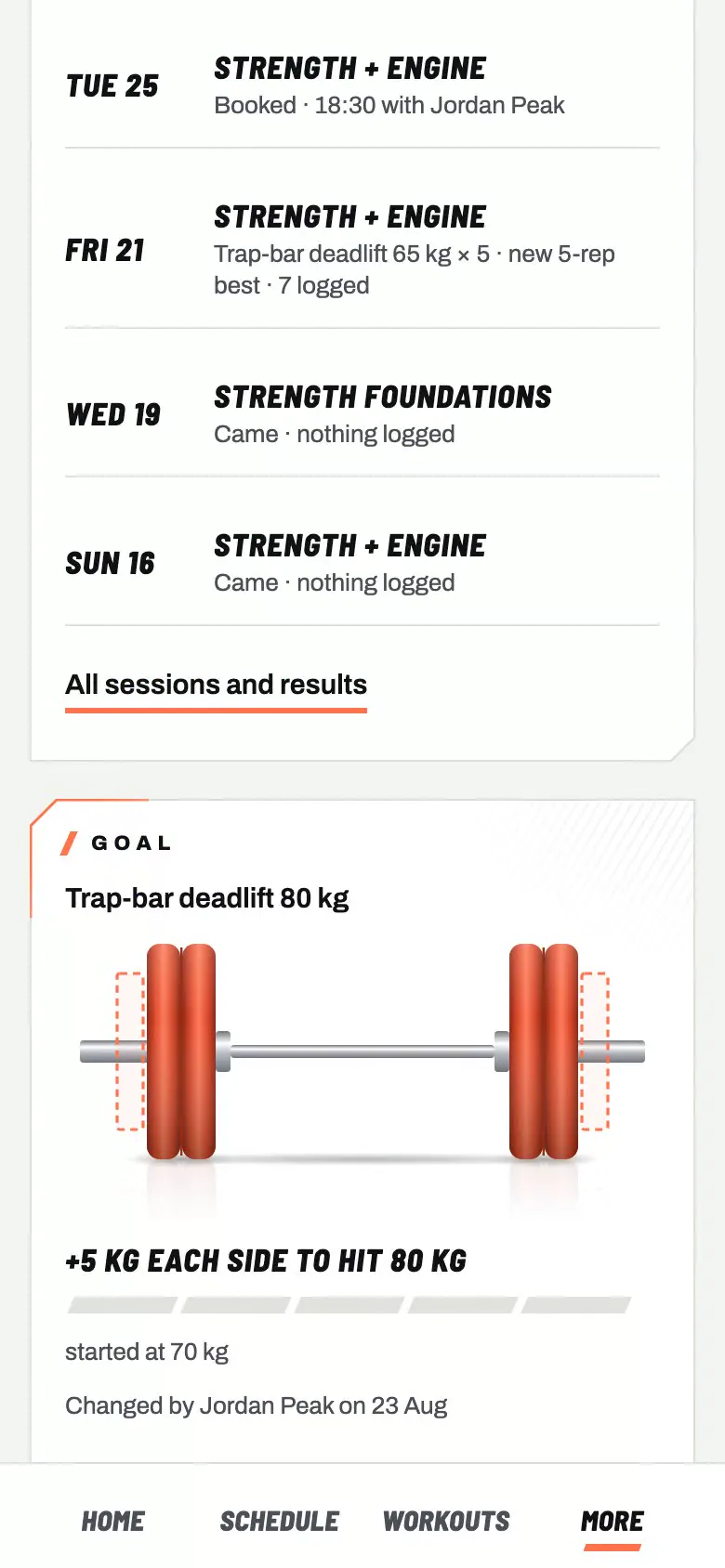
Coach 0:33
Look at a member's goal and best result, then change their goal to the next target.
Watch walkthrough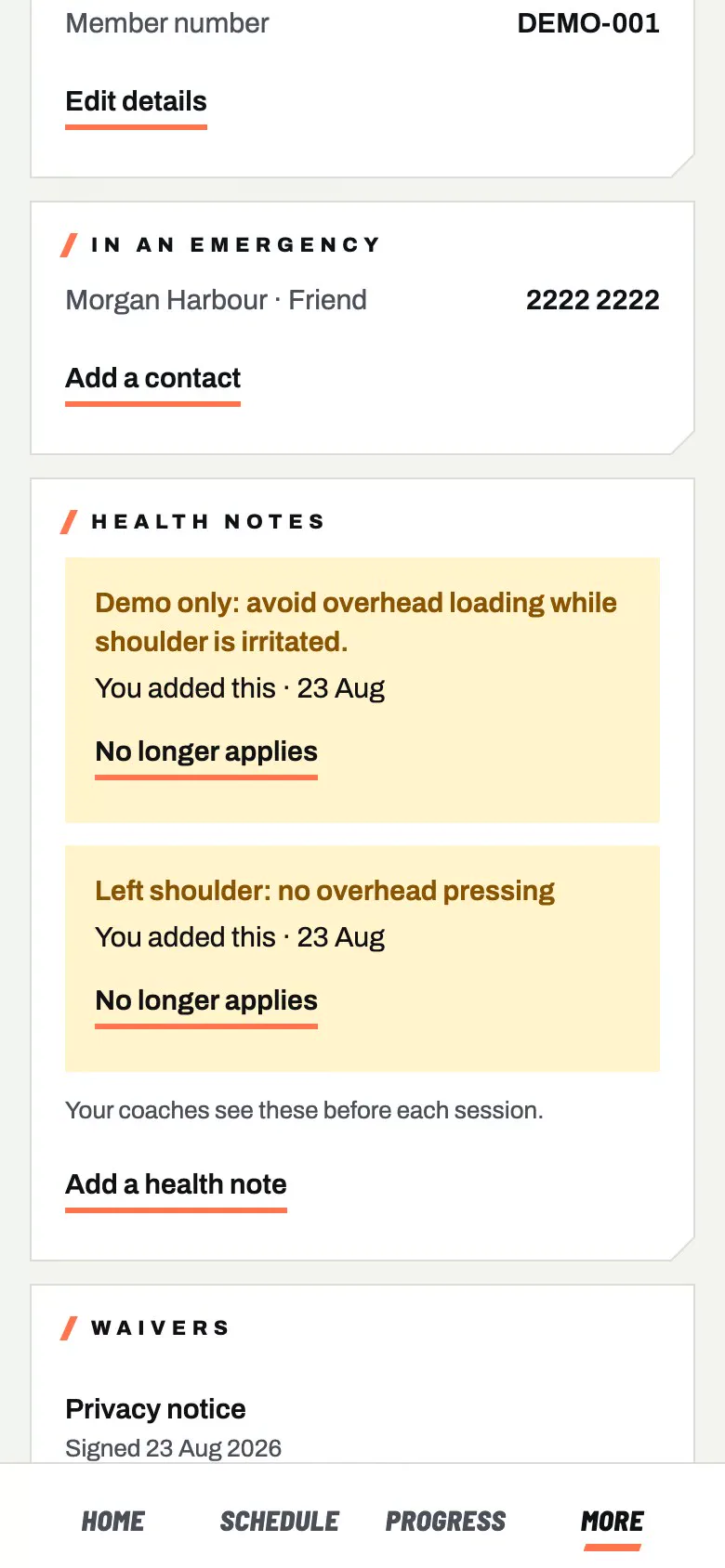
Member 0:23
Add a health note so your coaches see it before each session.
Watch walkthrough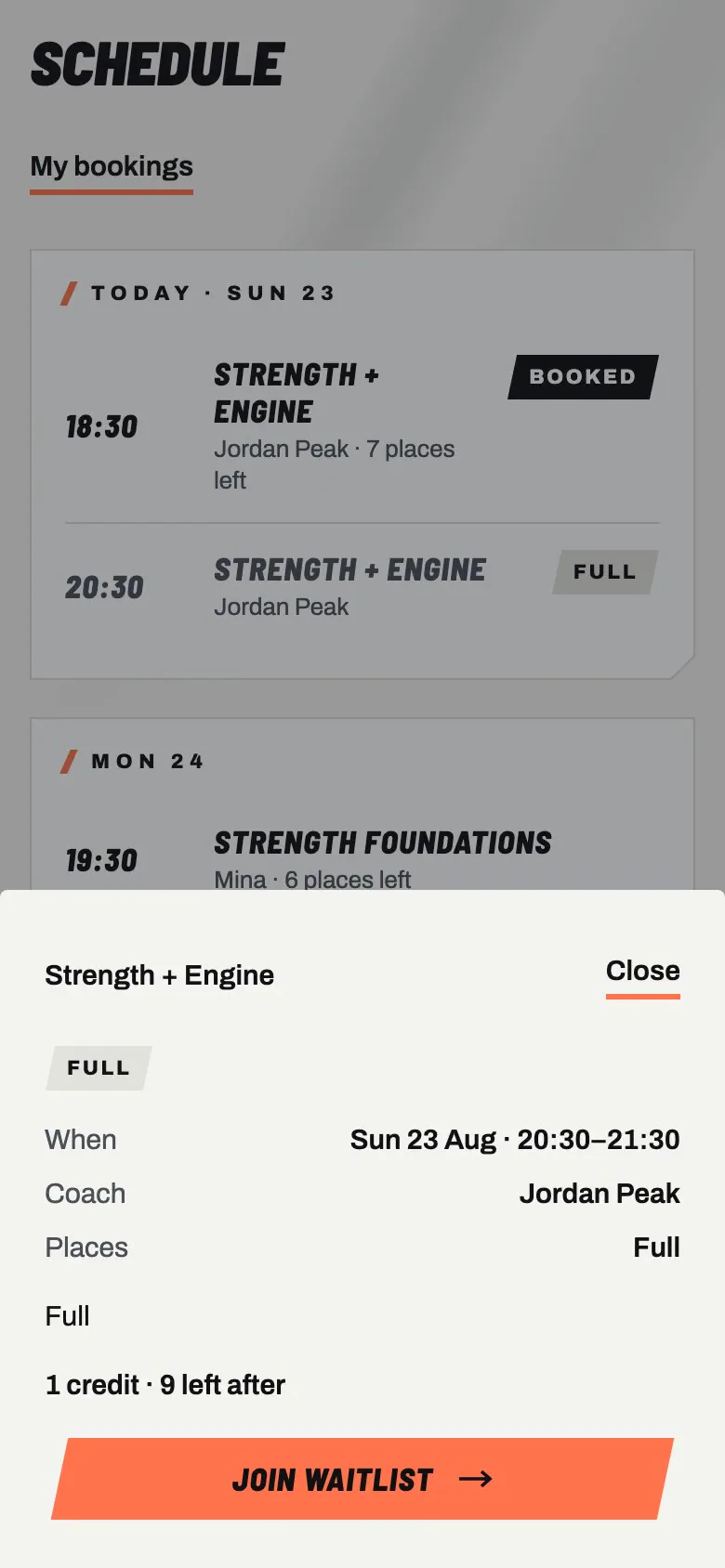
Member 0:32
Join the waitlist of a full session and leave it if your plans change.
Watch walkthrough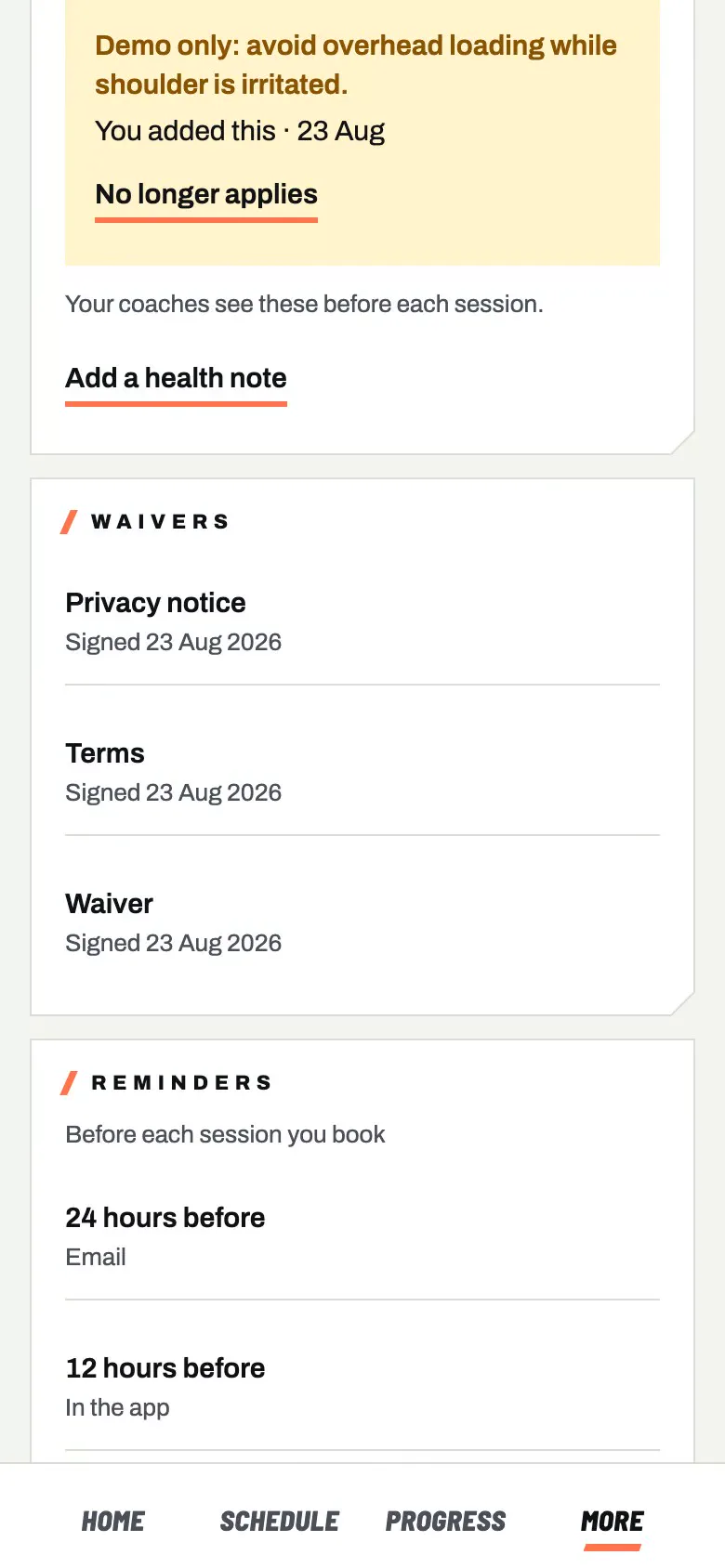
Member 0:23
Pick whether each reminder before a session reaches you by email or in the app.
Watch walkthrough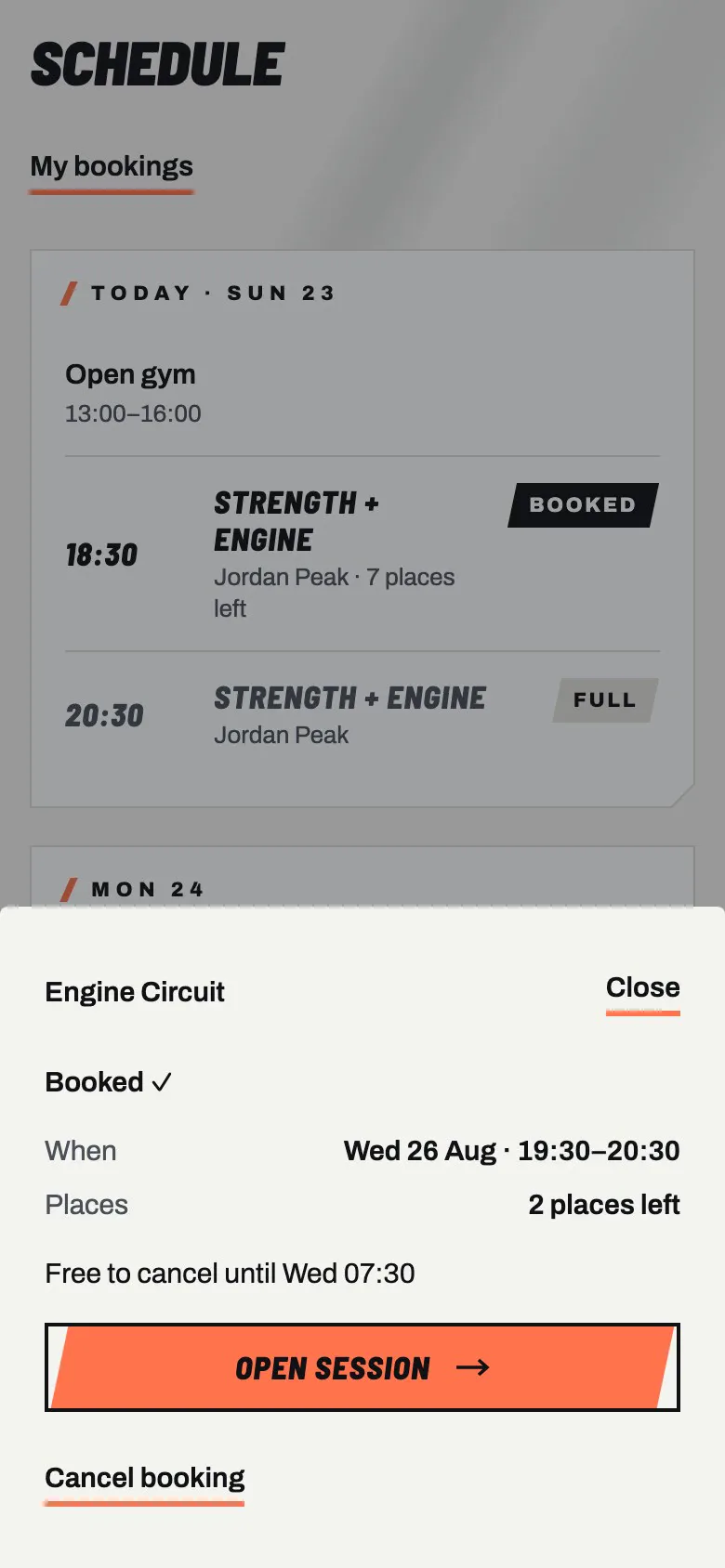
Member 0:43
When your gym updates its waiver, read and sign it in the app, then carry on booking.
Watch walkthrough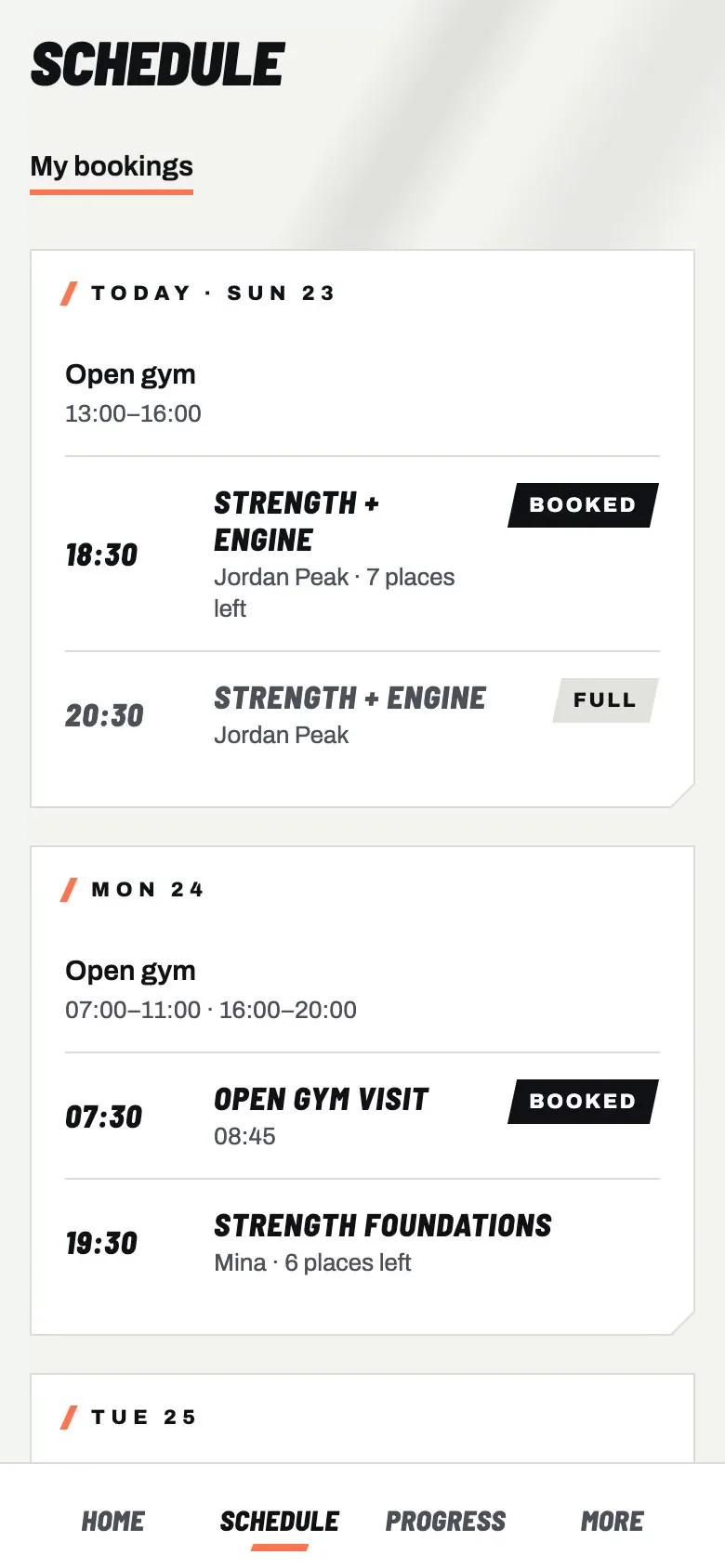
Member 0:32
Pick a day and a start time for open gym, and book your visit.
Watch walkthrough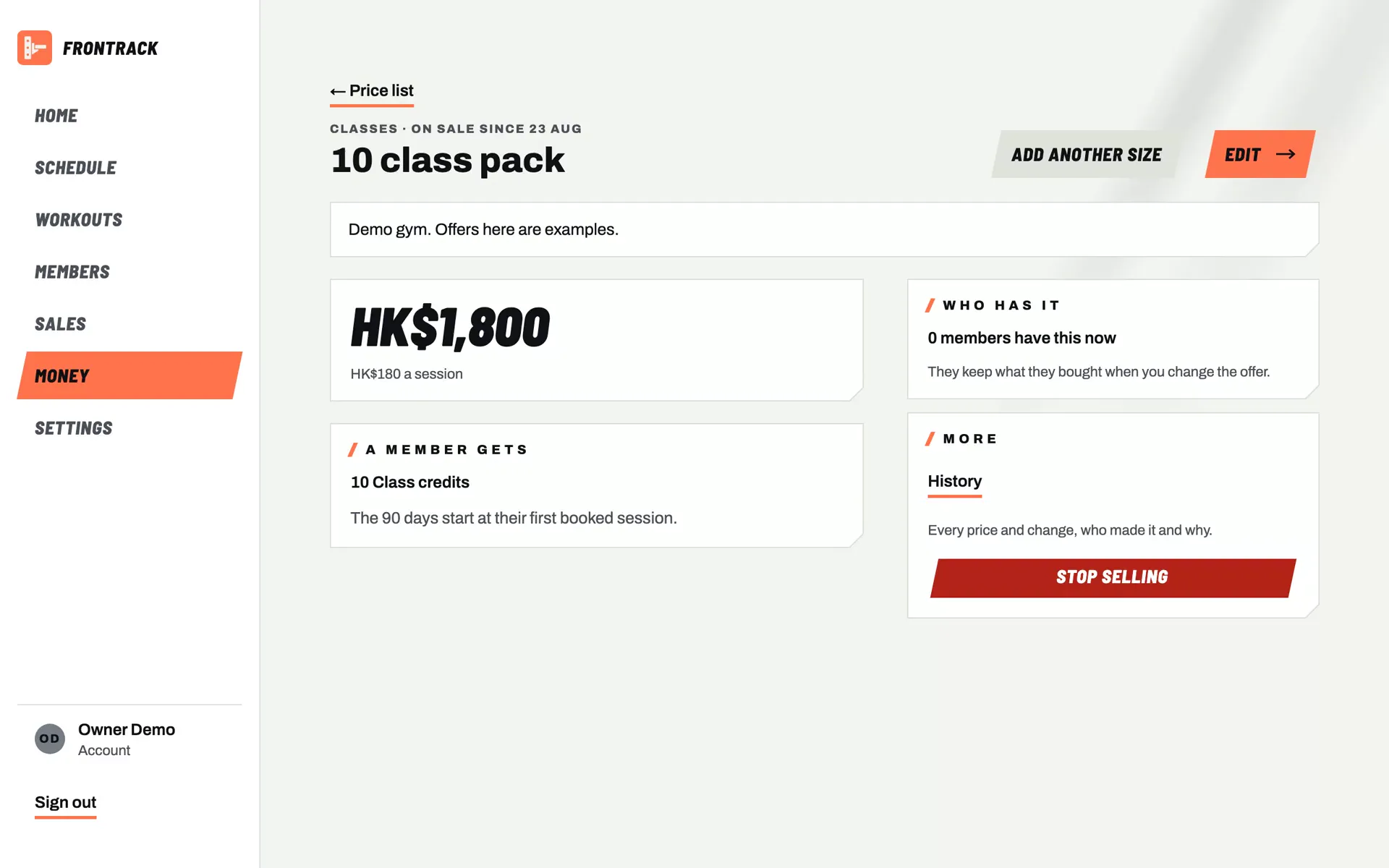
Owner 0:31
Create a class pack with its credits, price and validity, and put it on sale.
Watch walkthrough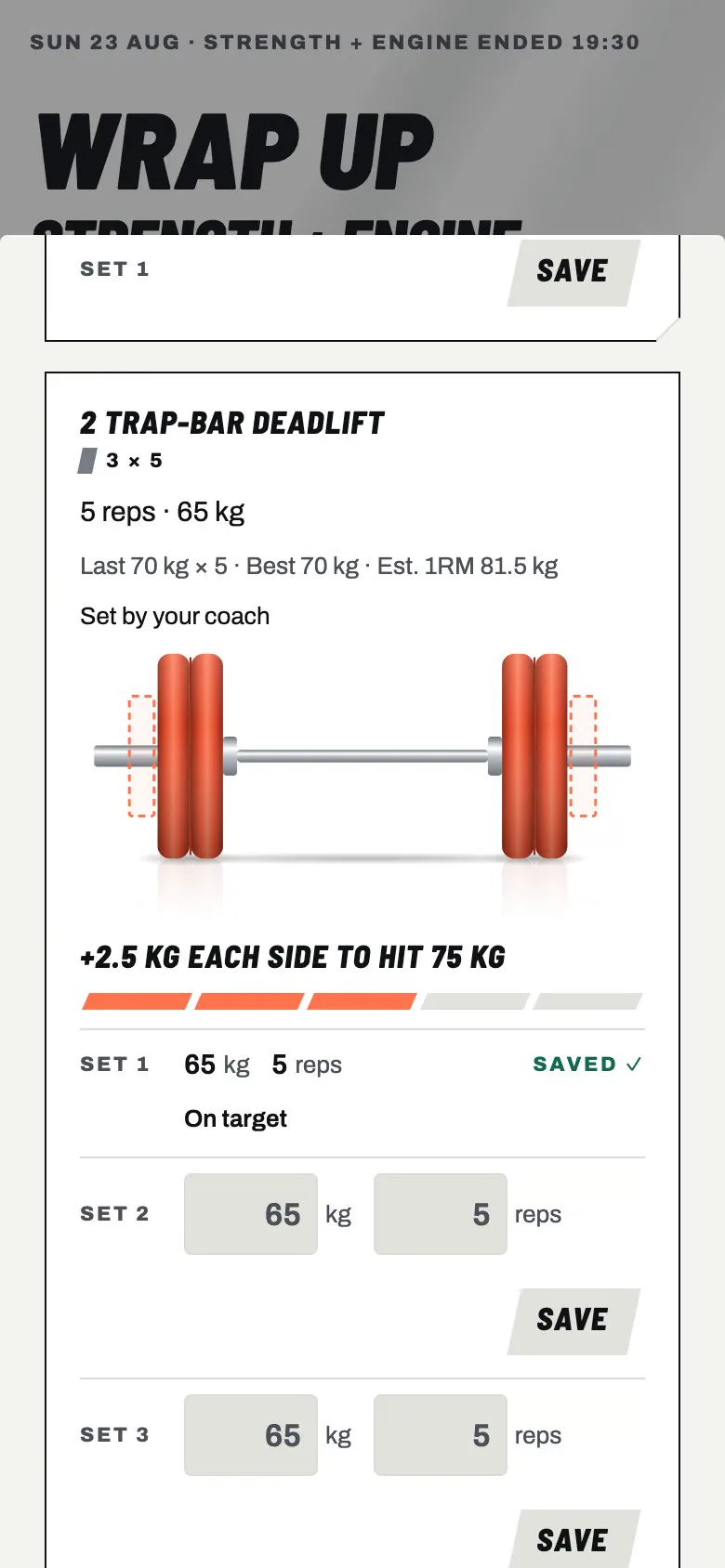
Coach 0:28
After a session ends, mark who came and log a set for a member who logged nothing.
Watch walkthrough34 guides
For strength & conditioning gym owners